Add Your Heading Text Here
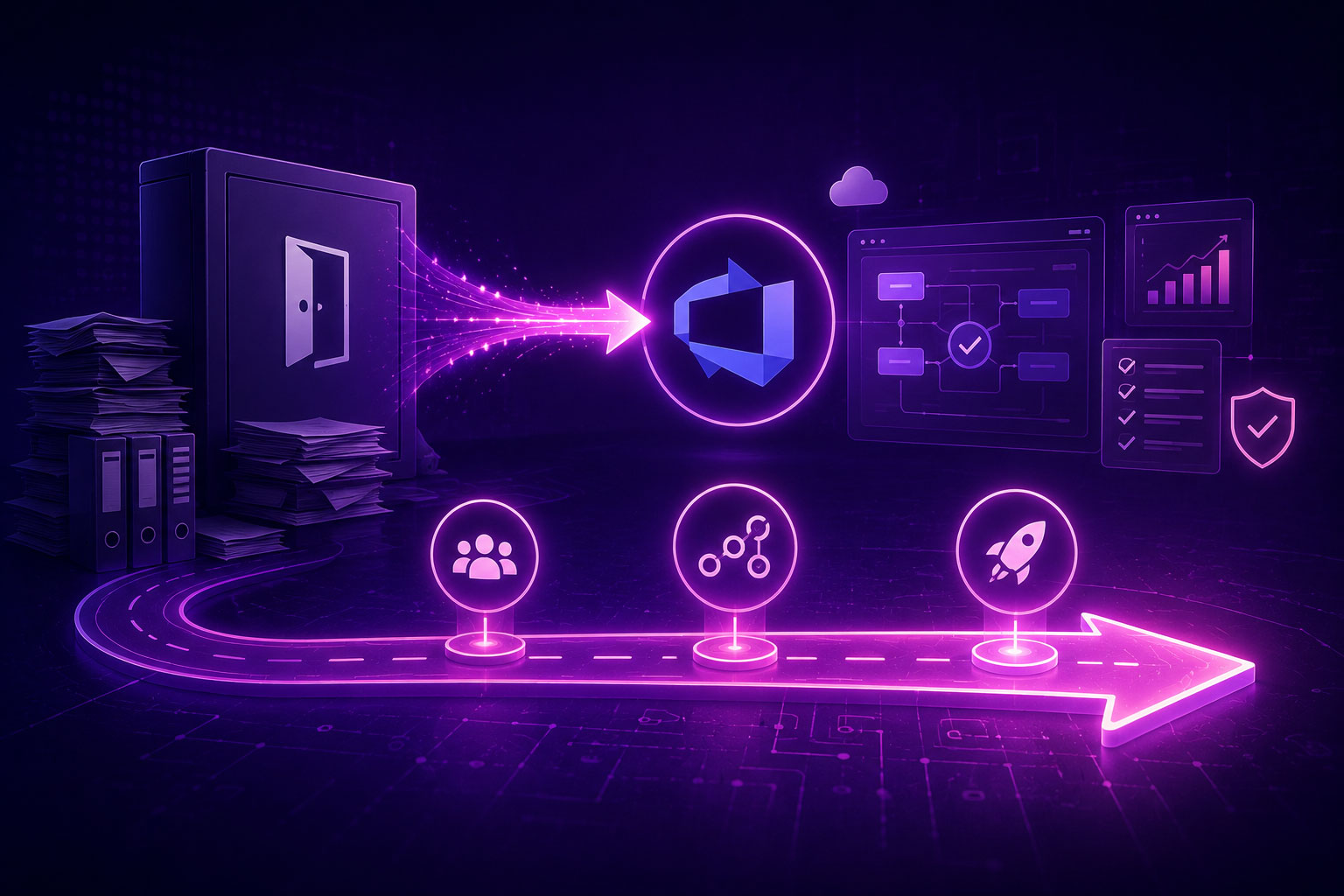
The IBM DOORS alternative built inside Azure DevOps
Modern Requirements4DevOps turns Azure DevOps into a full requirements management platform with AI built into the workflow. Requirements, test cases, traceability, and code all in one place, living as work items in the environment your team already runs.
See MR4DevOps in action
Book a personalised demo with our team.
Prefer to explore first? Start a 30-day free trial, no credit card required.

Requirements authored in Smart Docs as native work items. All inside Azure DevOps. Nothing to sync.
Everything DOORS does. Inside the platform your team already uses.
Requirements that live inside ADO. Not alongside it.
Most requirements tools sit outside Azure DevOps and rely on a sync layer to stay aligned. Every sync layer is a place where versions drift, links break, and traceability quietly falls out of date.
Modern Requirements4DevOps works differently. Everything you create is an Azure DevOps work item with Modern Requirements4DevOps fields built in. There is no separate database to keep in step and no integration to maintain. Your requirements live where your code, test cases, and pipelines already are.
Native work items
The Word experience your BAs expect. Inside Azure DevOps.
Business analysts should not have to learn a new tool to write requirements. Smart Docs gives your team a familiar authoring environment with rich text, tables, sections, and version history, directly inside Azure DevOps.
Import existing Word documents and convert them to work items automatically. Build living requirements documents that update in real time as work items change. Everything is versioned, everything is tracked, and nothing sits outside ADO.
From requirement to test case to code. Every link. No manual work.
Traceability is not optional in regulated industries. It is what your auditors ask for and what your team spends weeks assembling by hand.
Modern Requirements4DevOps generates traceability matrices automatically from your existing ADO work items. Requirements link to user stories, user stories link to test cases, test cases link to code commits. The matrix stays current and stays auditable, so when a requirement changes the impact is visible right away, with no chasing affected test cases and no manual RTM updates.
Compliance built in. Not bolted on.
Modern Requirements4DevOps is used by teams in medical devices, aerospace and defense, government, and banking. Compliance is part of how the tool works, not an add-on.
Part 11 compliant online reviews with e-signatures and auto-reminders. Full audit history on every requirement change. Baseline management so you can always prove what was approved and when. Reporting that gives auditors what they need, generated directly from your ADO project, with no exporting to spreadsheets and no manual assembly of audit packs.
How teams are moving from IBM DOORS to MR4DevOps
"Zions Bank selected Modern Requirements4DevOps as a solution positioned to fill our need. We quickly began migrating content from DOORS Next Generation. Modern Requirements and Zions collaborated weekly, and as a result implemented a seamless migration with additional requirements visualization features."
Zions Bank

Modern Requirements4DevOps vs IBM DOORS. What actually changes.
A straightforward comparison. No marketing language.
| IBM DOORS Classic / NG | Moderne Anforderungen für DevOps | |
|---|---|---|
| Where it lives | Separate tool, outside Azure DevOps | Native Azure DevOps extension |
| Data storage | DOORS own database | Azure DevOps, your existing data store |
| ADO integration | Requires sync middleware | No sync, requirements are ADO work items |
| Document authoring | DXL modules / DOORS UI | Smart Docs, a Word-like editor inside ADO |
| Rückverfolgbarkeit | Manual or scripted | Auto-generated, always current |
| AI assistance | Not native to Azure DevOps | AI requirement and test generation, inside ADO |
| Compliance reviews | Separate workflow | Supports 21 CFR Part 11 e-signatures and audit trails. |
| Bereitstellung | On-premise (Classic) / Jazz platform (NG) | Azure DevOps cloud or on-premise |
| Microsoft recognition | Keine | Go-to partner since 2015, Azure Marketplace listed |
Ready to see it in your ADO environment?
AI that works inside Azure DevOps. Not in another tab.
Bolt-on AI is just faster copy-paste. You pull work items out of ADO, paste them into a separate chatbot, then stitch the results back by hand, losing context and traceability on the way. DOORS gives you none of this. Modern Requirements4DevOps puts the AI where the work already lives.
- AI
Draft requirements from a prompt
Describe the feature and generate structured requirements as linked ADO work items, ready to refine.
- QA
Generate test cases that trace back
Turn a requirement into test cases automatically, already linked for coverage and audit.
- ✓
Nothing leaves your environment
The AI runs against your ADO project. Requirements are not copied out to an outside tool, so your traceability and compliance posture stay intact.
Questions about switching from IBM DOORS
We are on DOORS Next Generation, not Classic. Is this still relevant?+
Will we lose our existing requirements data when we switch?+
Does Modern Requirements4DevOps work on-premise or cloud only?+
Our team has used DOORS for years. How difficult is the transition?+
Does Modern Requirements4DevOps support ISO 13485, DO-178C, and other regulated industry standards?+
You will not do the migration alone
The biggest worry when leaving DOORS is the move itself. Here is how it actually runs.
We map your DOORS structure
Our team reviews your DOORS Classic or NG modules, attributes, and links. We map everything to Azure DevOps work items before anything moves.
Your requirements and traceability migrate together
Requirements move as ADO work items. Traceability links between them come across intact. You review the result inside your own ADO project before we proceed.
Your team works as normal from day one
Authoring continues in SmartDocs. Traceability updates automatically. We stay with you through the first sprints.
Most teams complete migration in 4 to 8 weeks. We start with a free scoping call to map your specific setup.
See MR4DevOps inside your Azure DevOps environment
Book a demo and our team will walk through MR4DevOps using your team's workflow: requirements authoring, traceability, compliance reviews, and what migration from DOORS looks like for your setup.
- Requirements authored as native ADO work items
- A traceability matrix generated from your own data
- A Part 11 compliant review with e-signatures
- What your DOORS migration would look like, step by step
Prefer to explore first? Start a 30-day free trial, no credit card required →
Still comparing? Read these first
Guides and articles on moving from IBM DOORS to Azure DevOps.

From DOORS to Azure DevOps: Your First 90 Days
What your team gains in the first 90 days after the move: faster reviews, live traceability, and more.

Is it the right time to transition from IBM DOORS?
Where DOORS runs into limits on usability, integration, and scale, and why teams start looking elsewhere.

Die 5 besten Alternativen zu IBM DOORS: Auswahl und Umstellung
A look at the leading alternatives, where DOORS falls short, and how to plan the switch.