Ir al contenido

Why Migrate from Polarion to Modern Requirements

Listen to this blog

For organizations that use Polarion for requirements management and Azure DevOps for development, the cost of managing two platforms isn’t limited to software licenses; it also includes the time teams spend managing data across systems, checking updates, and pulling information from both platforms to prepare evidence for audit reports.

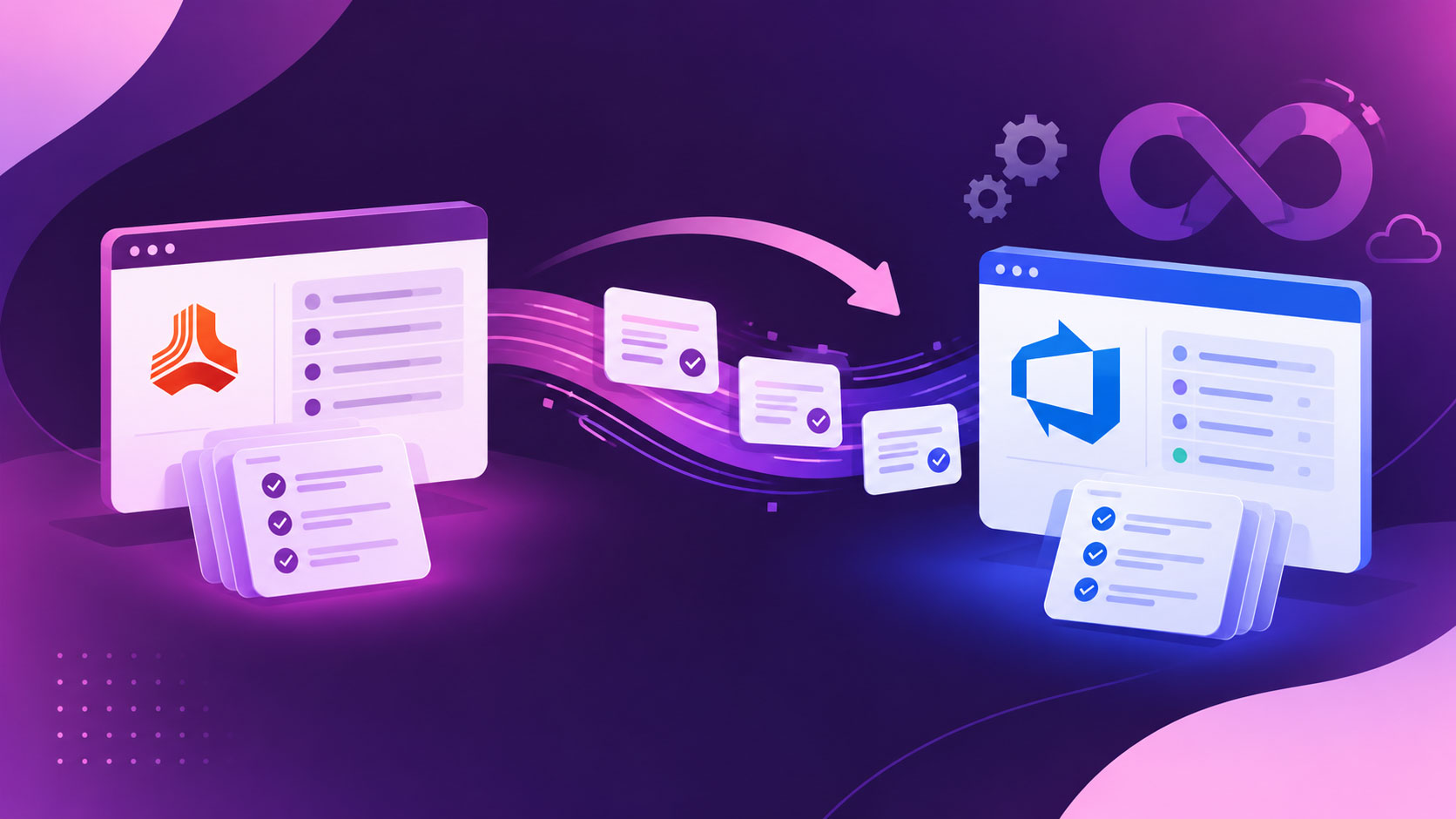
For many organizations, this setup might work well. However, if your engineering teams do their daily work inside Azure DevOps, it is worth asking whether requirements need a separate home. A planned Polarion renewal, an upgrade to Polarion ALM 2606, or a decision to adopt Polarion X offers a good time to assess whether Modern Requirements4DevOps can meet your requirements management needs within Azure DevOps and avoid an extra synchronization step between records.

So, we’ve written this article to help you determine whether your organization should migrate from Polarion to Modern Requirements if you are already working inside Azure DevOps.

Puntos clave

What you'll learn in this article

  • Why teams migrate from Polarion when development already runs in Azure DevOps

  • What changes when requirements live inside Azure DevOps

  • How users rate Polarion and Modern Requirements on review platforms

  • What a Polarion migration involves, step by step

  • The objections your team will raise, and how to answer them

  • When staying with Polarion makes more sense

Why Teams Migrate from Polarion: Two ALM Platforms for One Product

When requirements are managed in Polarion and development work happens inside Azure DevOps, it is important to keep both sides aligned as the product changes. For Polarion Azure DevOps integration, Siemens provides a connector for this setup. However, the real challenge is configuring this setup, as teams are required to connect both servers, choose the work item types, and then configure field mapping, sync direction, transformations, and which side wins a conflict. This is not just a claim, but in a G2 review of Polarion, a user noted that workflow setup requires a specialist administrator, while another reported that training took longer than expected.

Furthermore, for teams working in regulatory industries, the main concern is not simply having two tools but being able to show that an approved requirement, the work done to implement it, and the test used to verify it all relate to the correct version. Also, when requirements sit in one platform and development work that actually happens sits in another platform, teams need to find a way to collect that information and prepare reports before making release decisions or preparing for an audit.

It’s also true that Polarion X is now available on Microsoft Azure as well as AWS. But this just gives organizations another hosting option, and it does not change how Polarion and Azure DevOps work together.

So for companies whose engineering teams already work inside Azure DevOps, again we are on the same page, and it raises a fair question: is a separate requirements platform still necessary? That is the case worth assessing before committing to another Polarion upgrade or renewal.

What Changes When Requirements Live Inside Azure DevOps

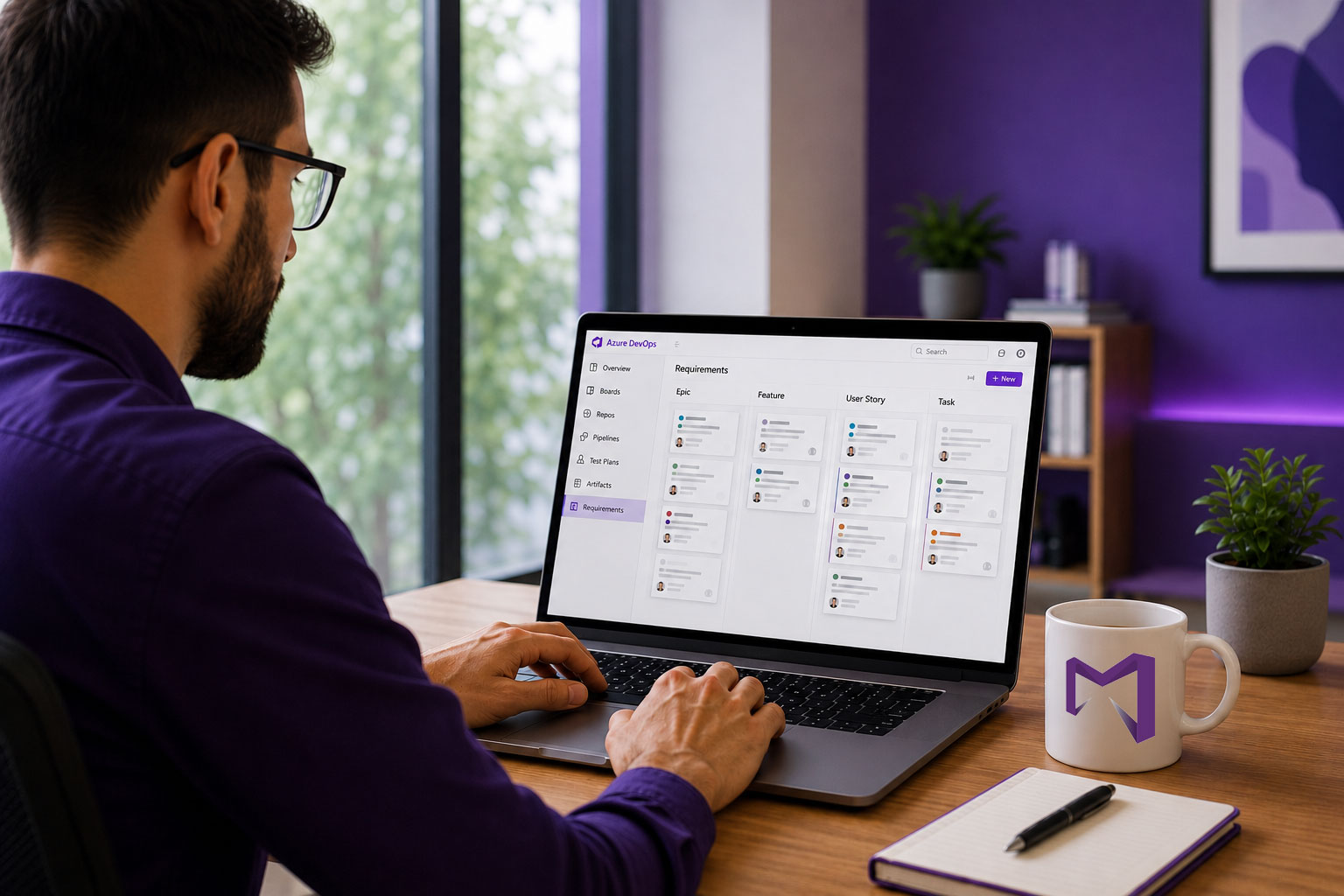
When requirements are migrated from Polarion to Azure DevOps, the biggest change is that teams manage and store requirements in one place, and it creates a single source of truth for every record. Modern Requirements4DevOps, which works natively inside Azure DevOps, uses ADO work items as the underlying records, so requirements, development tasks, bugs, and related links can sit within the same environment. Teams no longer need a separate Polarion-to-Azure DevOps sync layer for these records.

Let’s look at the comparison table below to see what changes and what remains intact when you switch from Polarion:

ÁreaPolarion ALM + Azure DevOpsRequisitos modernos para DevOps
Where requirements liveIn Polarion's repository, with selected work items synced to Azure DevOps.Requirements are stored as Azure DevOps work items.
Working with Azure DevOpsA connector syncs work items between the two platforms, based on its configuration.Runs inside Azure DevOps, so there is no separate sync layer between the requirements and development records.
Users and permissionsPolarion and Azure DevOps have their own users, roles, and permission settings.Inherits the Azure DevOps permission model.
ImplementaciónPolarion ALM can run on-premises; Polarion X is hosted on AWS or Microsoft Azure.Works with Azure DevOps Services in the cloud and Azure DevOps Server on-premises.
Requirements documentsLiveDocs provides document-based requirements authoring.Smart Docs provides a Word-like editor to create live documents from ADO work items. Users can drag-and-drop work items inside documents, and when work items update, documents update automatically.
Reviews and approvalsPolarion supports configurable review and approval workflows.Offers Review Management workflows inside your ADO workspace, which supports reviews and approval rules, including password re-entry for approvals and to comply with 21 CFR Part 11.
Baselines and change trackingPolarion supports baselines and item history.Baselines capture immutable snapshots, and Difference Reports show changes in Word format. All reports are stored in Azure DevOps.
TrazabilidadPolarion manages relationships between requirements, tests, and other lifecycle items, with selected links synced to Azure DevOps.Trace Analysis creates bidirectional traceability matrices with heatmap views and stores them inside Azure DevOps, which can be exported at any time. It also allows you to create an intersectional traceability matrix to identify coverage gaps.
AI featuresPolarion Copilot is a paid add-on.Core AI features are included in every package, which allows you to author requirements, documents, test cases, generate user stories, etc.
Variant managementPolarion Variant Configurator supports product line engineering based on 150% master specifications.Variant Management and Parameterized Requirements are available in the Engineering editions. Feature parity with Polarion should not be assumed.

If you want to check an in-depth comparison of Polarion and Modern Requirements4DevOps, you can visit here.

How Users Rate Polarion and Modern Requirements

Review metricPolarion ALMRequisitos modernos para DevOps
G2 rating4.2/5
165 reviews
4.7/5
65 reviews
View G2 reviews
SoftwareReviews composite score7.5/10
38 reviews
8.8/10
61 reviews
Likelihood to recommend85%92%
Capterra rating4.4/5
19 reviews
4.6/5
33 reviews
View Capterra reviews
What users appreciate
  • Requirements-to-test traceability
  • Version history and configurable workflows
  • Links with other tools, including Siemens Teamcenter
  • Support for complex requirements processes
  • All records remain inside Azure DevOps and inherit permissions from your ADO workspace.
  • Better security
  • End-to-end live traceability matrix creation.
  • Living documentation creation.
  • Review records and baselines are stored inside ADO.
  • AI Capabilities within ADO.
  • Smart import to import documents as ADO work items, document management system to store all reports and documents, etc.

Note: We’ve considered ratings until October 2026.

What a Polarion Migration Involves

Here is how you can migrate all your requirements, records, documents, etc., from Polarion to Azure DevOps:

Step 1 – Determine what to move: The first step is to determine which project requirements and which versions of particular work items to move, and the relationships between work items, documents, etc. Also, you can keep older projects archived within the old version if it is allowed by your team.

Step 2 – Pick your export route: Determine how to move your requirements and records. There could be multiple ways:

  • The RQIF: Polarion offers a built-in RQIF export for documents. You can export it as a package, and then you can import it directly into Azure DevOps.
  • REST API: You can use the REST API to export requirements from Polarion and import them into Azure DevOps.
  • Third-party tools: Use third-party tools like OpsHub for this migration.

Step 3 – Map requirements fields and import pilot: Before importing all requirements and documents, map requirements fields from Polarion to Azure DevOps and run the pilot. Once you succeed with the pilot, you can import all records.

Step 4 – Create Baseline: Once all requirements are imported and migrated, create a new baseline and start over from there.

The Objections Your Team Will Raise

When you propose migration from the old version to Azure DevOps, your team has doubts like the ones below, and you can answer them accordingly:

Will we lose traceability?
When you migrate requirements from Polarion to Azure DevOps, it can carry relationships between those requirements. After that, you can use the traceability module of Modern Requirements4DevOps to create live traceability matrices, and they remain intact. So, you don’t lose traceability.

What happens to our history and audit evidence?
While migrating requirements, you can also migrate full requirements history with audit records, which later appears in ADO work items.

Our authors rely on LiveDocs. Will Smart Docs work the same way?
Of course, there will be some functionality and UI changes, as Smart Docs works natively inside Azure DevOps, but those could be learnt with basic training. Also, it allows you to create reusable templates to create consistent documents.

Will developers have to change how they work in Azure DevOps?
No, development teams can continue performing activities they were doing previously within Azure DevOps. The only change is that now they don’t need to switch between multiple tools for creating documents, traceability matrices, reviews, baselines, etc., so everything remains in one place.

When Staying with Polarion Makes More Sense

For every engineering team, moving away from Polarion is not the right choice. Here is when you should not leave Polarion:

  • When your engineering process depends on Siemens tools, and you need to use Polarion to support those tools.
  • Your development team is using another ALM platform, such as Jira, ClickUp, GitLab, etc., instead of Azure DevOps
  • Your team is comfortable with managing two ALMs and ready to take the extra burden of managing sync between them.
  • Your product line relies on advanced variant management: You use Polarion Variant Configurator with 150% master specifications to manage different product versions.

If any of the above cases don’t apply, you might plan for migration to Azure DevOps.

Next Step: Scope Your Migration

For teams whose developers, testers, and pipelines already live in Azure DevOps, a Polarion replacement mostly means bringing requirements home to the work they govern.

Once you decide to migrate from Polarion to Azure DevOps, your next steps would be to review your work item types, custom fields, traceability links, relationships between work items, approval roles, and historical records, scope your migration, and get started with that.

If you need any help, book a migration scoping call with the Modern Requirements team.

If you need further details, explore our Polarion alternative built inside Azure DevOps and assess whether it fits your engineering process.

Empiece a utilizar Modern Requirements hoy mismo.

✅ Defina, gestione y realice un seguimiento de los requisitos en Azure DevOps
✅ Colabore sin problemas entre equipos regulados
✅ Empiece GRATIS, sin necesidad de tarjeta de crédito

Artículos recientes

Modern Requirements logo mark