Ir al contenido

From DOORS to Azure DevOps, the First 90 Days With Modern Requirements

From DOORS to Azure DevOps, the First 90 Days With Modern Requirements
Listen to this blog

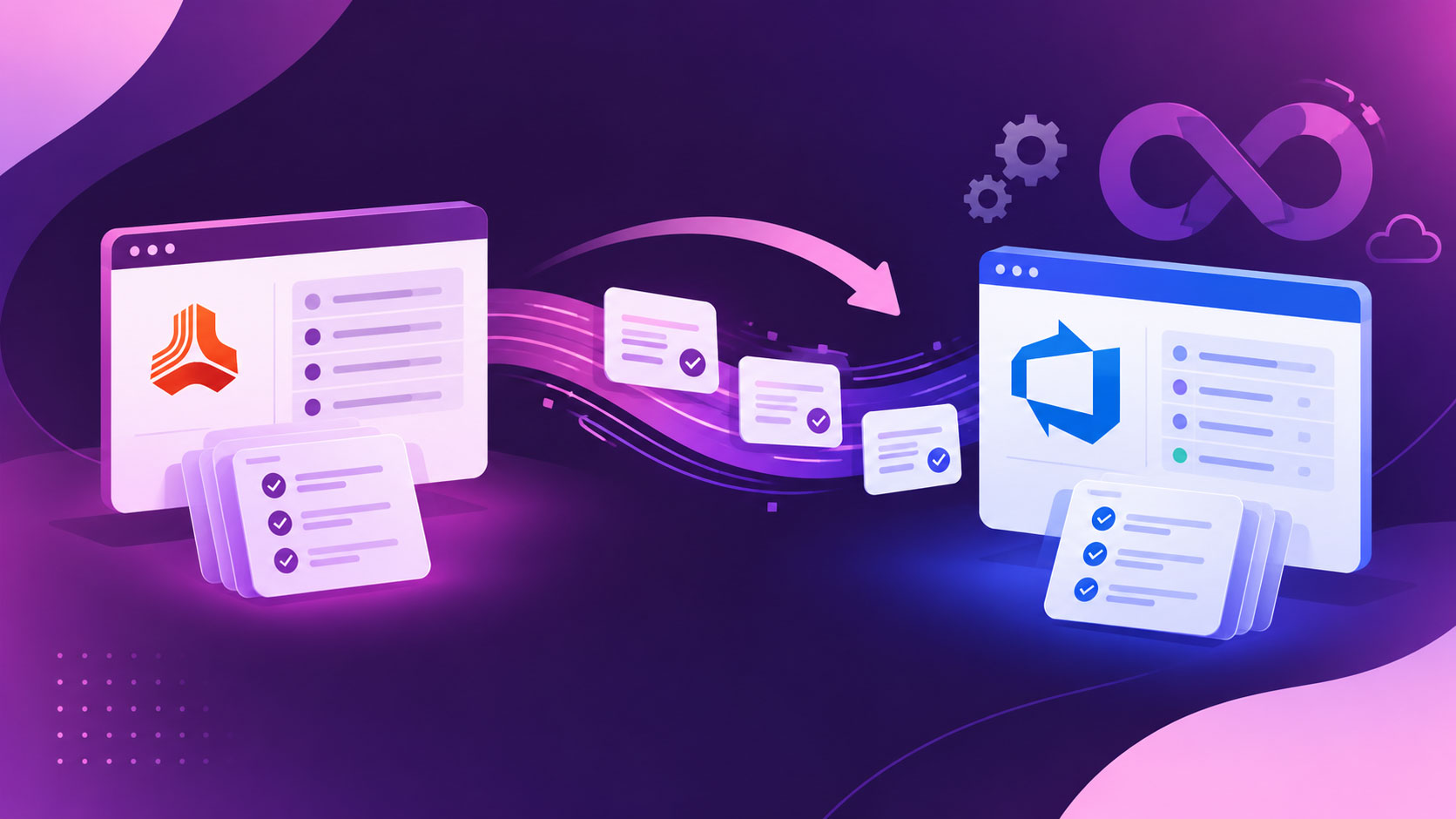
If your team has recently moved from DOORS to Azure DevOps or is planning to switch between them, you might have one question: What do the first few months actually look like? Data migration is one of the common challenges, but the real challenge is to know what happens in the weeks after.

We’re building Modern Requirements4DevOps, a requirements management tool within Azure DevOps, and sat with a lot of teams through this exact stretch.

Here is the short answer to the question: once your requirements live inside Azure DevOps, next to your boards, code, and pipelines, the usual exports and handoffs fall away, and within about 90 days, you feel it as faster requirements reviews, live traceability, and documents that stay current on their own and AI that takes over the busywork. 

We have already covered why IBM DOORS frustrates teams in the previous blog, so we will skip that here. This is a straight read on what your first ninety days actually buy you, broken down by month.

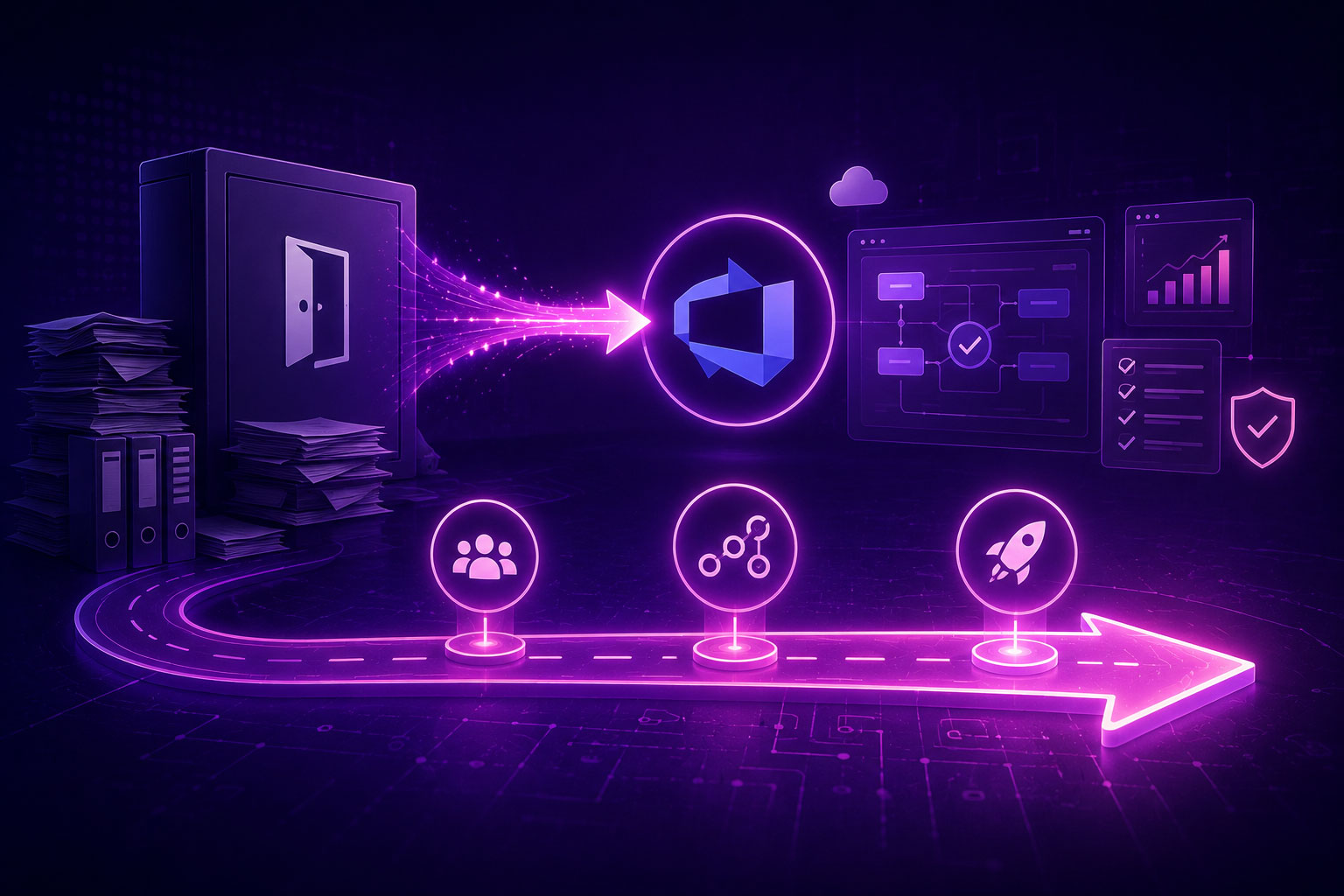
The Real Shift: Requirements Management in Azure DevOps, Where Your Team Already Works

If you ask any team that has already switched from DOORs to Azure DevOps with Modern Requirements4DevOps 3 to 6 months ago, “What actually changed?” Most of the team won’t say the feature name, but they will say, “Requirements stopped being somewhere else.”

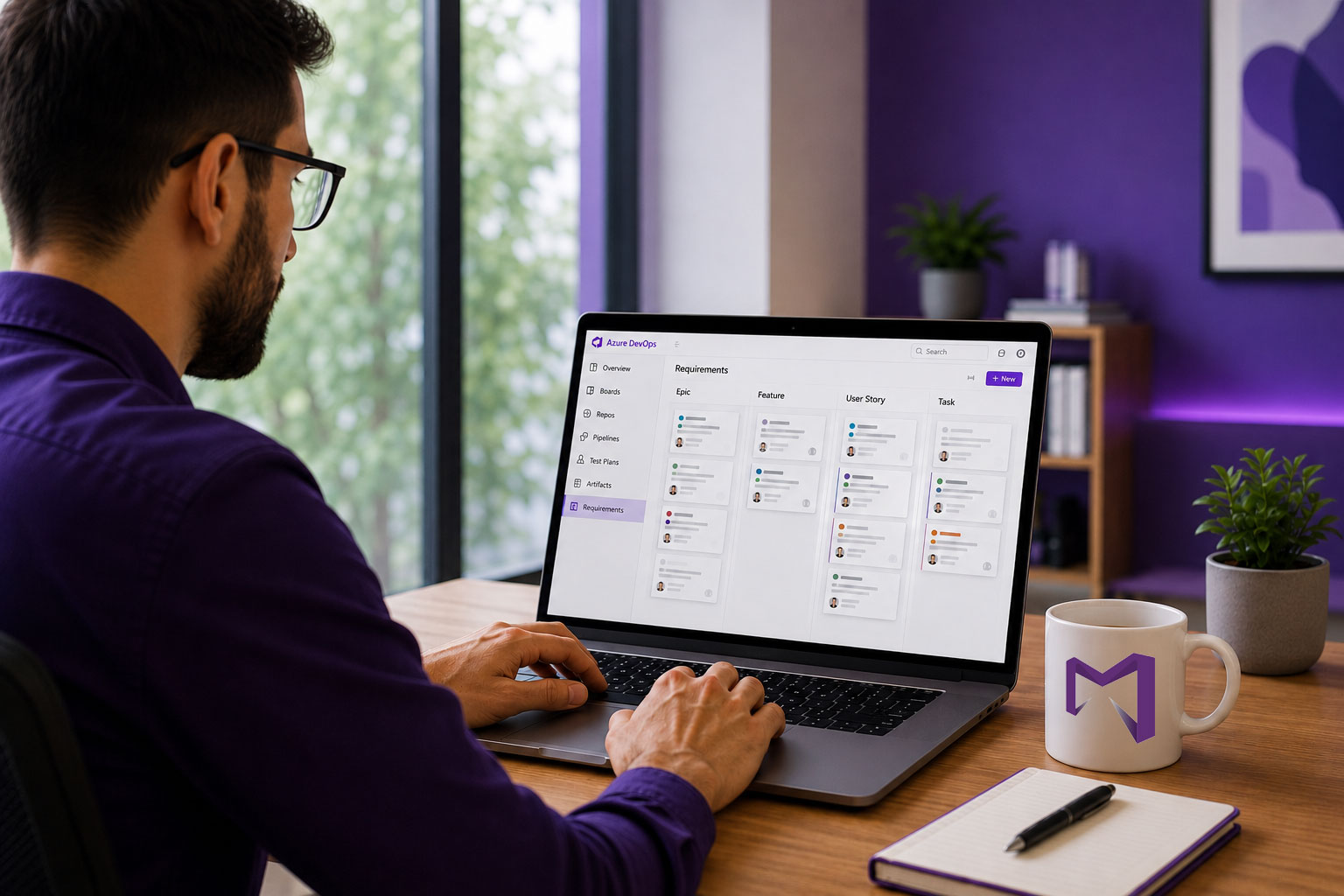
That’s the whole shift in one line. Requirements move out of a standalone tool and stay inside Azure DevOps, where teams are already managing projects. This one move is what makes everything else possible. With this, teams reduce context switching between multiple tools and save their precious time.

Here’s the quick summary of what shifts, area by area:

Área Life in DOORS Life in Azure DevOps
Documents drafting Separate tool, separate login Smart Docs are built straight from live work items. Keeps documents in sync with work items.
Reviews Emailed exports, tracked changes E-signed reviews, an exportable record with a single click.
Trazabilidad Built and maintained manually Live matrix, current by default.
Pruebas Manual mapping to test cases Tests linked to requirements automatically.
Change history Manual version notes Automated version creation for documents and ADO work items.
Línea de base Manual changelog or version notes Word difference report, audit-ready.

Now, let’s understand in-depth what teams gain in the first 90 days after switching to ADO with MR NextGen.

Days 1 to 30: Faster Documents Authoring, Requirement Reviews, and a Signed Baseline

Most teams spend their first month getting the core setup right. They usually start with document authoring, review management, and creating a baseline directly within Azure DevOps. 

Here’s what the month actually buys you:

  • Create documents that always stay current: With Smart Docs, teams start creating requirements documents by importing existing ADO work items. So, there is no need to maintain a separate Word file that drifts out of sync. Whatever changes the team makes to the ADO backlog work item are directly reflected in the document. So, teams don’t need to maintain different copies of the document.
  • Start creating consistent documents: Lock the document hierarchy by creating meta templates before your teams write any documents. So, reviewers can focus on reviewing the document instead of the structure. Also, new employees can produce a correct document on their first attempt without any formatting rules.
  • Reviews stay within Azure DevOps, not the inbox: Teams can start reviews directly from any module of Modern Requirements4DevOps, including Smart Docs, Baseline, Version Package Management, etc., instead of managing them in email campaigns.
    • As comments and approvals stay attached to the work item itself, teams can track who said what directly within Azure DevOps and hand over these review records to auditors during regulatory submission without any manual efforts.
    • Regulatory teams can make every review approval CFR Part 11 compliant by enabling e-signatures.
  • Create a locked reference point directly from the requirements backlog: Create a fixed set of ADO work items from the backlog based on what everyone agreed upon and lock them by building a baseline within Azure DevOps. The same baseline you capture for your own change control becomes the artifact you hand over when an auditor asks what was approved at a given milestone. The main productivity gain is that teams can directly create baselines from Smart Docs or different version packages without any context switching.

In the first month, teams can have living documents that never go out of sync, a smooth review process that gives an audit trail directly within Azure DevOps, and a baseline where teams are managing all work items.

Days 31 to 60: Live Traceability, Variant Management, and Audit-Ready Reports, Without the Manual Work

By month two, the team stops manually building the traceability matrices and starts just opening them:

  • With Modern Requirements4DevOps, teams can select backlog work items and build either horizontal (from epics to test cases) or intersectional (between any 2 work item types) traceability matrices automatically for thousands of work items with a single click within Azure DevOps.
  • Because the matrix stays live, it updates the linkage between work items in real-time, and teams don’t need to track change work items in traceability matrices.
  • With this, teams can flag coverage gaps and insert links between particular work items without switching the interface and manually opening each work item.

Furthermore, teams start building version packages and variants of product requirements without rebuilding from scratch:

  • With the version package module of Modern Requirements4DevOps, teams can create, track, and manage a specific set of work items. This reduces the burden on the team for managing release packages and formal requirement sets that need to be version-controlled and audited over time.
  • If your product is serving two markets with different regulatory requirements, it doesn’t require duplicating the whole requirement set; instead, the team creates a variant, adjusts what’s different, and the rest stays linked to the original.
  • Also, teams don’t need to maintain an audit trail of what changed in every version package or variant, as it is automated. So, nobody has to guess where a divergent requirement originated.

Regulatory teams stop writing compliance and audit reports and focus on reviewing them:

  • With IBM DOORS, teams are required to manually collect change logs, review logs, baseline logs, and version history, and prepare audit reports. But now it is totally automated within Azure DevOps.
  • With MR NextGen, teams can export a traceability report in Excel format, a baseline difference report, a Smart Docs report, a review report that contains who approved what, etc., into the Microsoft Word or PDF format. The best part is that teams can export these reports in their own brand template.
  • None of this depends on someone remembering to update a spreadsheet before the auditor walks in; the report reflects whatever the system currently shows.

Days 61 to 90: AI Requirements Management and Autonomous Agents Take Over the Busywork

Actually, teams should start using AI capabilities within Azure DevOps in the first or second month. But from month three, they should start heavy-lifting and automating most of the manual tasks with AI.

You stop starting from a blank page: Start using Copilot4DevOps directly from the Smart Docs or Version Package Management Module for preparing the first draft of epics, features, user stories, tasks, and test cases and inserting them directly into the document or version package, respectively. 

Team members’ time shifts from drafting to deciding:

  • They save multiple hours every week from turning rough ideas into structured requirements without missing any point.
  • They directly analyze user stories from the version package or Smart Docs against the INVEST criteria using an AI assistant. So, weak requirements get caught before it moves to the sprint.
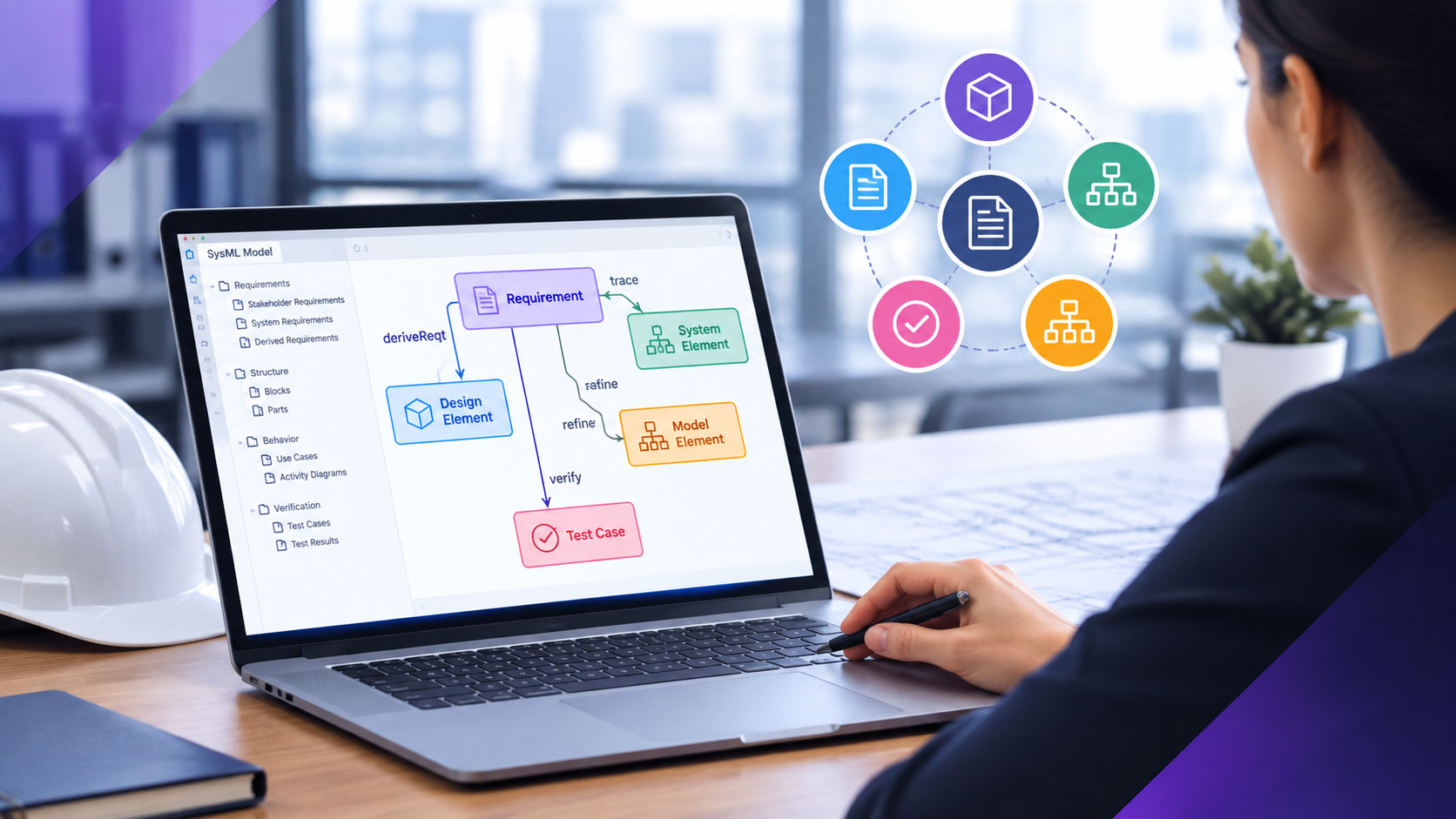
  • Furthermore, teams start creating requirements diagrams with AI, review them, and publish them into existing ADO work items, making the overall requirements modeling workflow faster.

With Agent4DevOps, you start creating AI agents that run in the background and automatically execute requirements-related tasks:

  • An item moving to “Ready” gets checked automatically for missing acceptance criteria or links, with a follow-up task created the moment something’s missing, instead of surfacing in a review three weeks later.
  • A failed pipeline gets investigated before anyone opens a log; the agent correlates recent merges and flaky test history and hands back a likely cause, turning an hour of digging into a few minutes of reading.
  • And agents can perform multiple tasks like above….
  • The best part: Anything requiring real judgment pauses and waits for a person; agents don’t approve on their own; they prepare the ground and stop where a decision actually needs to be made.

For teams working in regulatory industries: Each run produces a log including what triggered it, what it did, and what it decided, so an audit never turns into a scramble to reconstruct what happened. Furthermore, the AI that comes with MR NextGen is SOC Type II compliant. So, teams don’t need to worry about their data, as it is not being used for model training or sent to a third-party.

In short, by day 90, teams can have agents running that perform actual tasks on any event within Azure DevOps. So, the gain isn’t that AI did the work. It’s that the busywork stopped landing on someone’s desk at all, and a person is still the one who signs off on everything that matters.

Also read: Top 5 IBM DOORS Alternatives: How to Choose and Transition

What Good Looks Like After 90 Days With Modern Requirements

By day 90, it’s totally changed how work items are managed. Requirements backlog, reviews, test cases, approvals, version management, document authoring, traceability matrix creation, etc., happen in one place. Nobody exports requirements packages, variants, documents, or audit reports hoping they still match what’s in the system, because they always remain current.

Audit preparation stops being a separate project and is maintained directly within Azure DevOps, where development occurs. Teams can focus on ensuring compliance is maintained instead of investing time in preparing audit reports, as it is automated.

The team’s attention has moved too. Less time spent assembling proof that the work was done right, more time spent actually deciding what’s right. AI and agents carry the repetitive parts; people still make the calls that matter.

None of this happened overnight, and none of it required a different team. It just required the requirements to live where the work already happens.

Preguntas frecuentes

What changes after moving from DOORS to Azure DevOps?

Requirements stay in the Azure backlog, and from there, teams can directly initiate reviews, create traceability matrices, prepare audit reports, author documents, and create baselines. So, everything remains in one place.

Is it safe to use AI on sensitive requirements?

Yes. No third-party provider trains on or retains your data, and access controls stay consistent across models, as it is SOC Type 2 certified.

Do AI agents approve requirements on their own?

No. Agents prepare, flag, and pause for judgment calls. A person signs off on every approval.

Índice

Empiece a utilizar Modern Requirements hoy mismo.

✅ Defina, gestione y realice un seguimiento de los requisitos en Azure DevOps
✅ Colabore sin problemas entre equipos regulados
✅ Empiece GRATIS, sin necesidad de tarjeta de crédito

Artículos recientes