Webinar – From Legacy Systems to AI-Powered Compliance
Stop managing requirements manually. Start delivering smarter, with AI built...
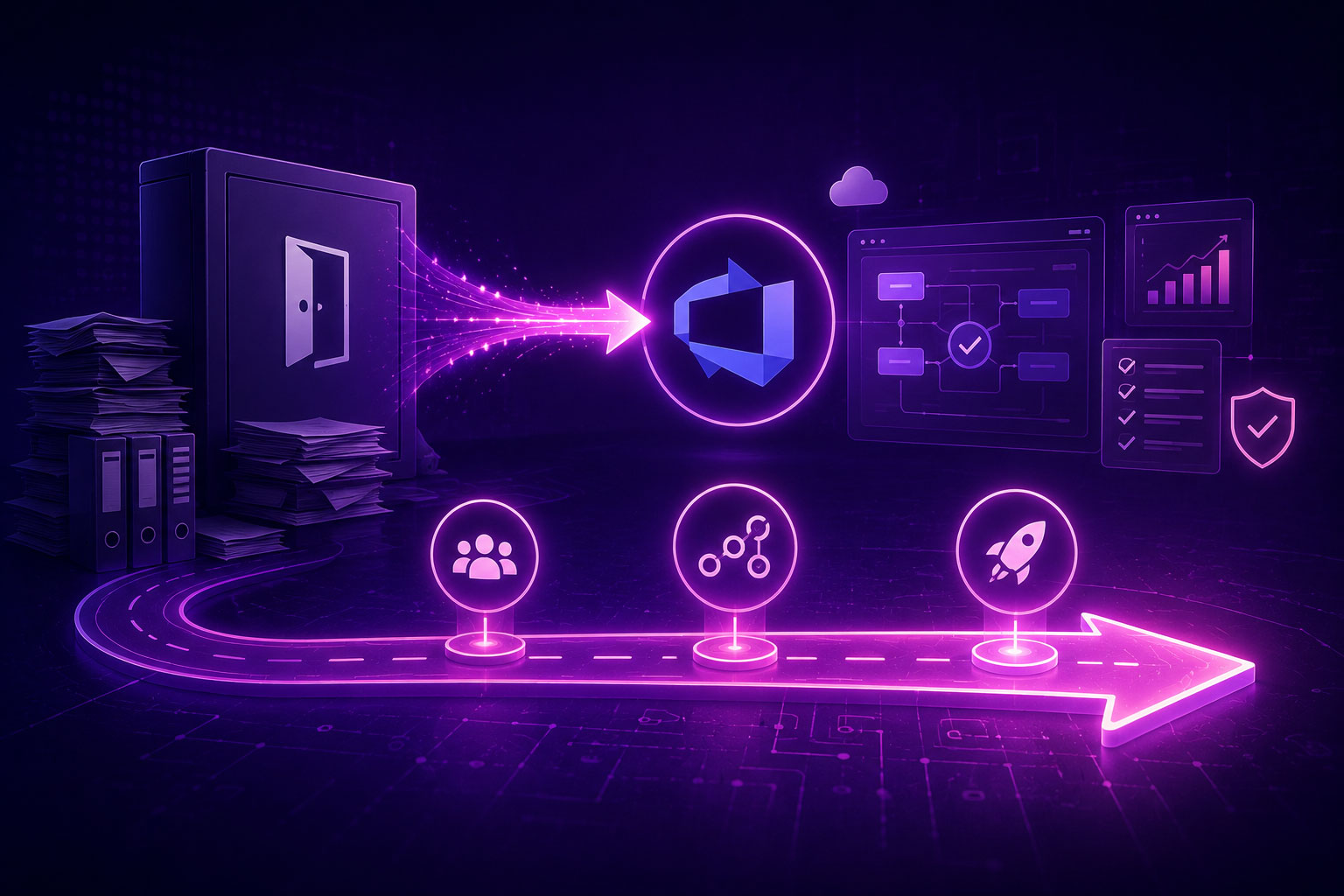
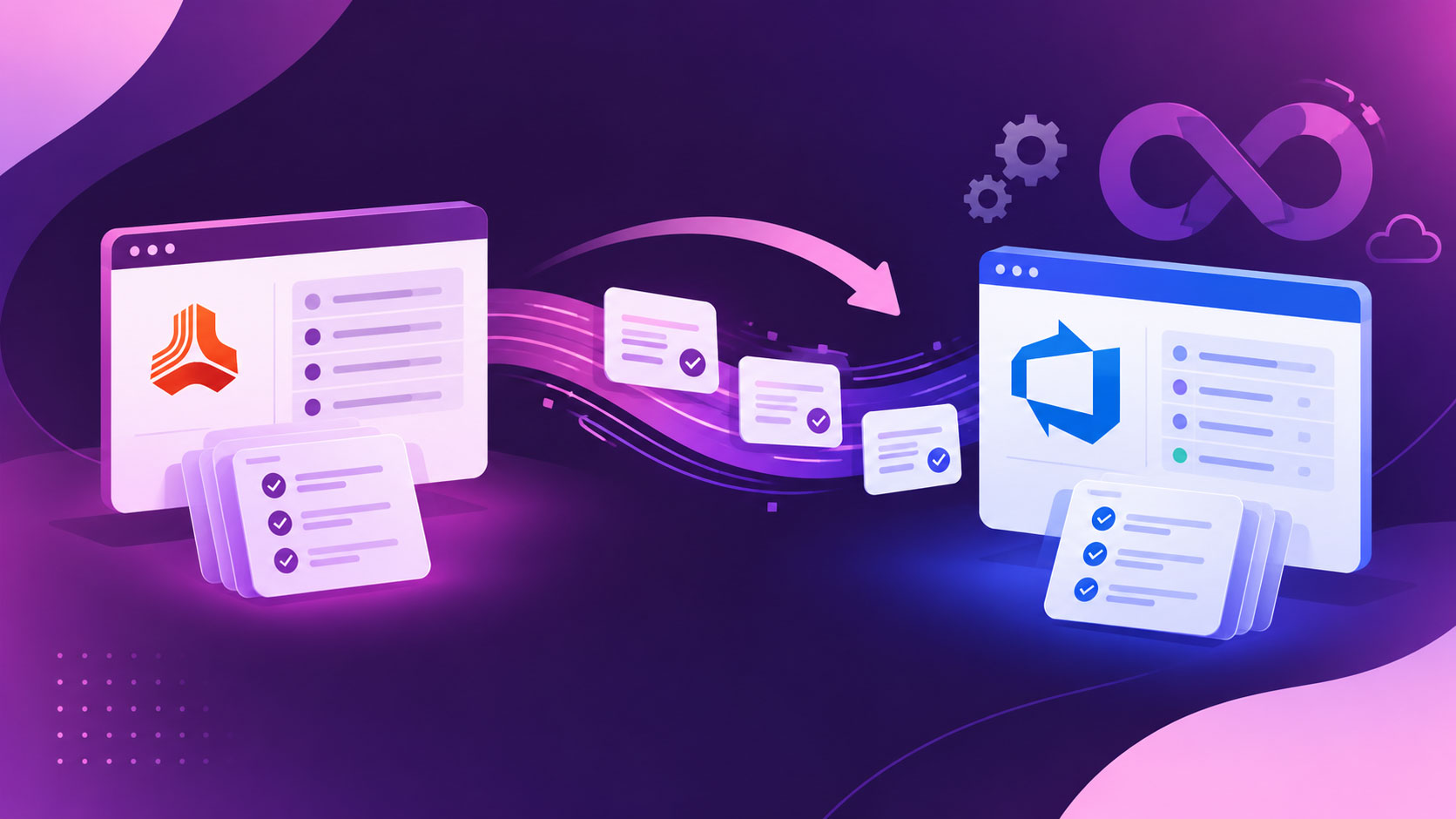
If your team has recently moved from DOORS to Azure DevOps or is planning to switch between them, you might have one question: What do the first few months actually look like? Data migration is one of the common challenges, but the real challenge is to know what happens in the weeks after.
We’re building Modern Requirements4DevOps, a requirements management tool within Azure DevOps, and sat with a lot of teams through this exact stretch.
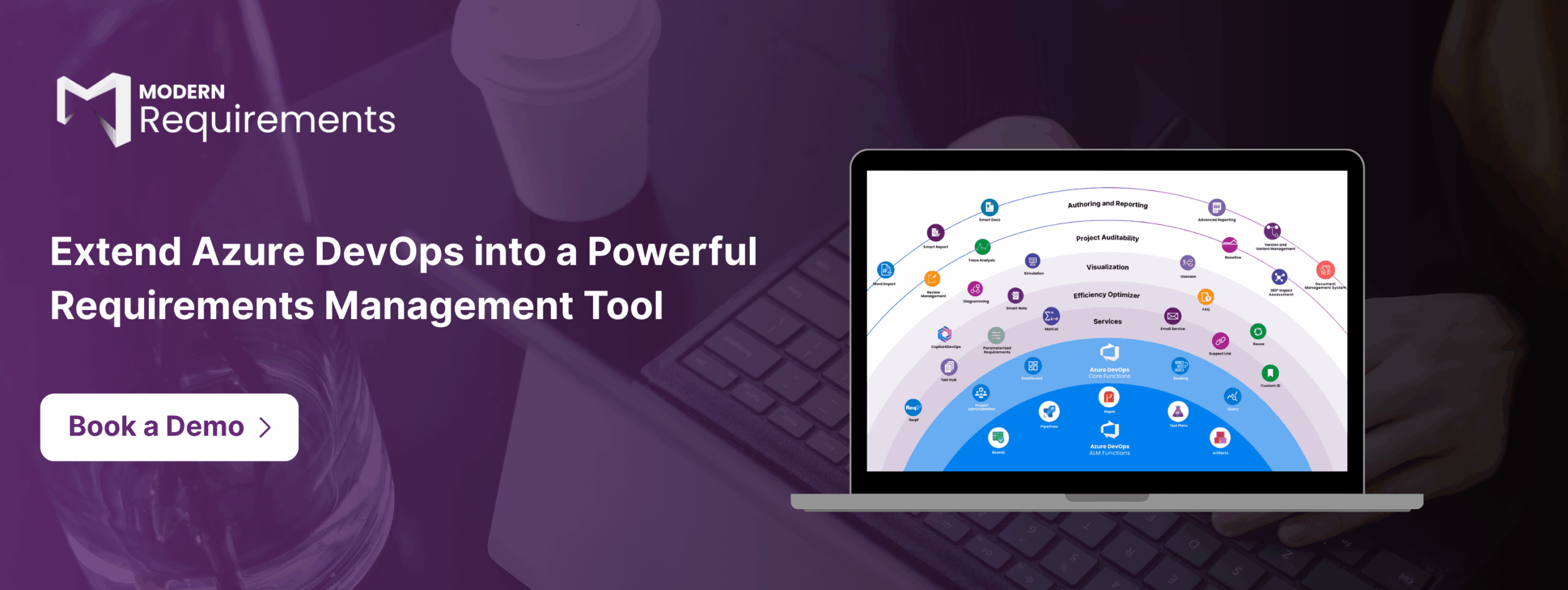
Here is the short answer to the question: once your requirements live inside Azure DevOps, next to your boards, code, and pipelines, the usual exports and handoffs fall away, and within about 90 days, you feel it as faster requirements reviews, live traceability, and documents that stay current on their own and AI that takes over the busywork.
We have already covered why IBM DOORS frustrates teams in the previous blog, so we will skip that here. This is a straight read on what your first ninety days actually buy you, broken down by month.
If you ask any team that has already switched from DOORs to Azure DevOps with Modern Requirements4DevOps 3 to 6 months ago, “What actually changed?” Most of the team won’t say the feature name, but they will say, “Requirements stopped being somewhere else.”
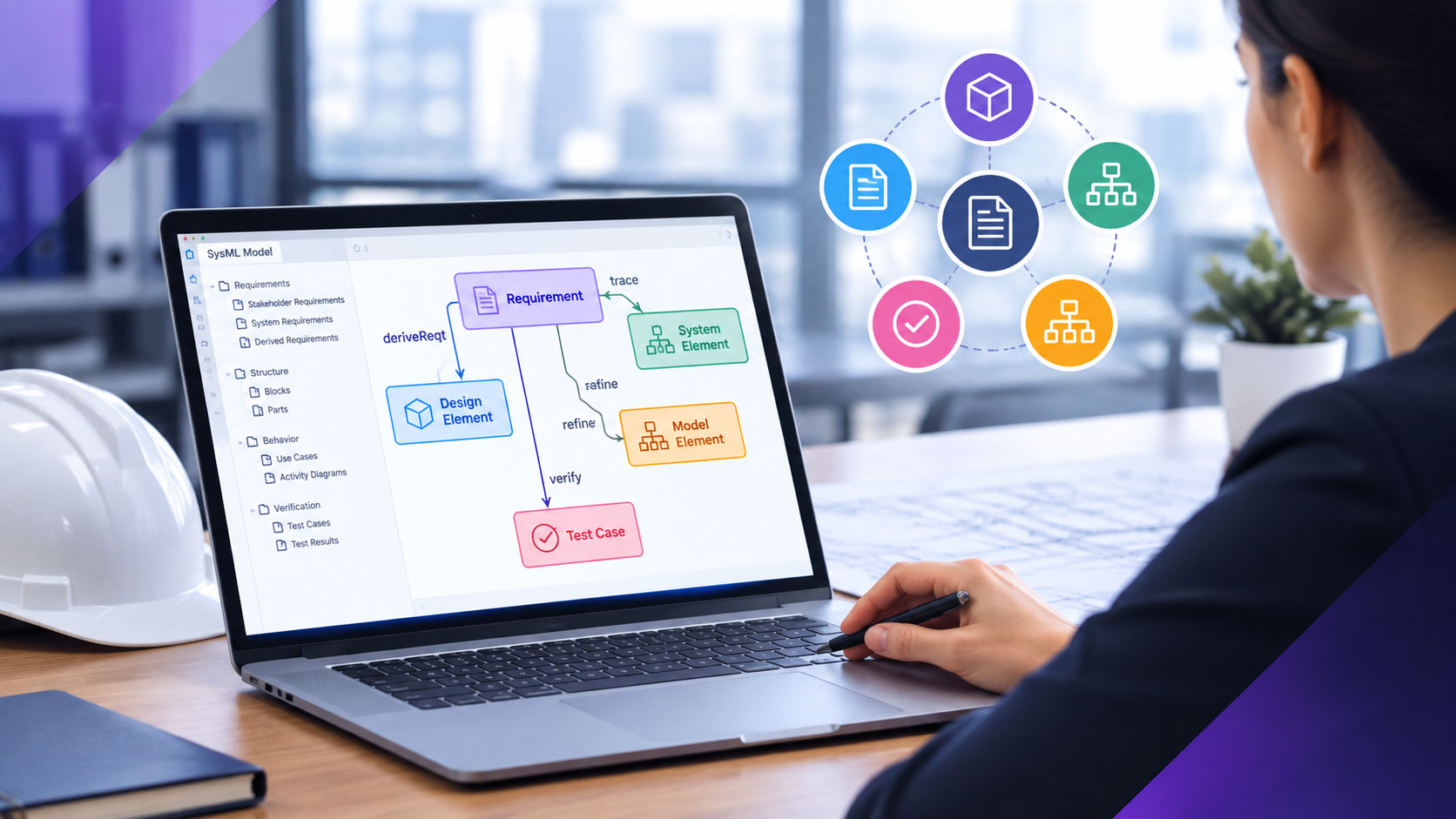
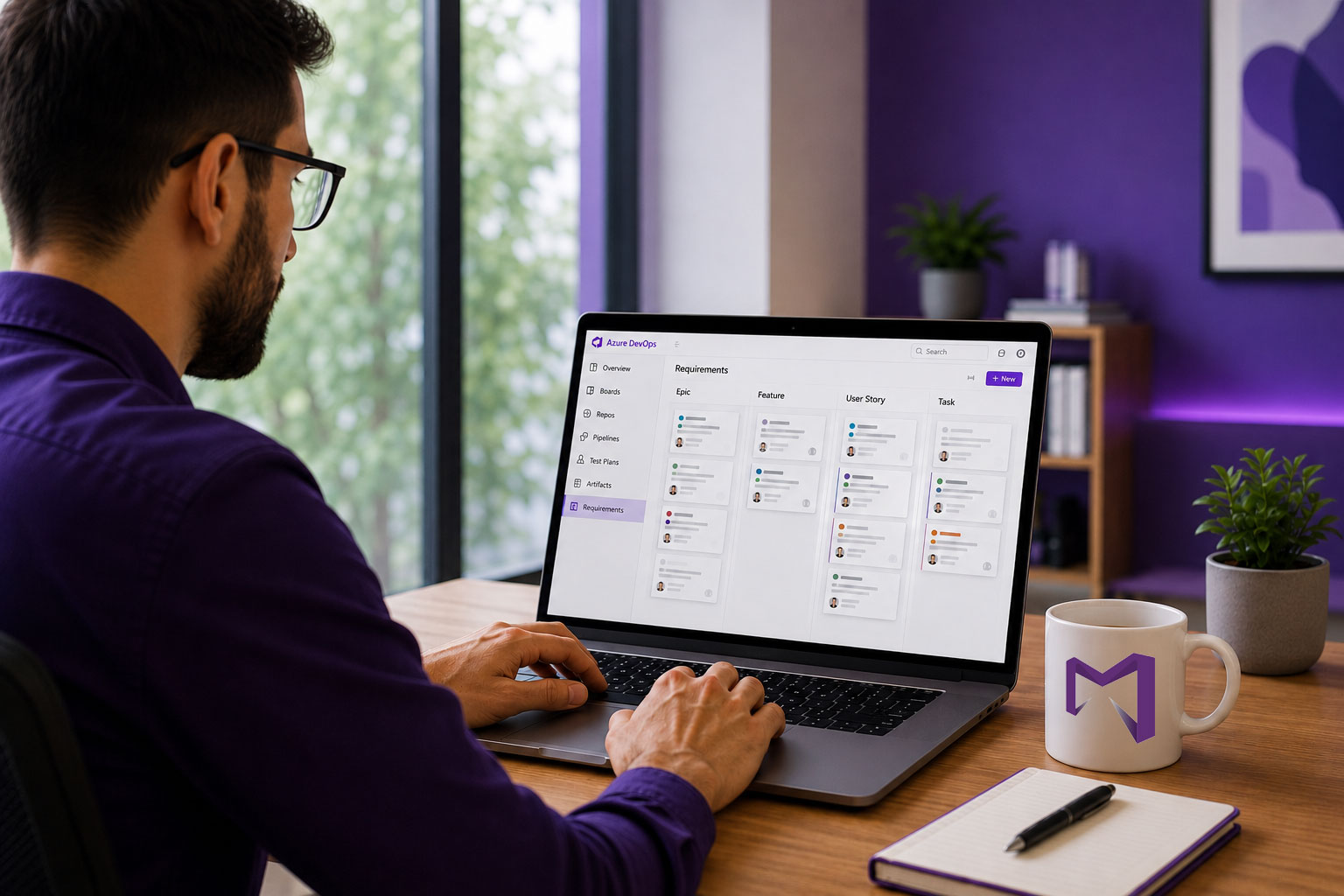
That’s the whole shift in one line. Requirements move out of a standalone tool and stay inside Azure DevOps, where teams are already managing projects. This one move is what makes everything else possible. With this, teams reduce context switching between multiple tools and save their precious time.
Here’s the quick summary of what shifts, area by area:
| Superficie | Life in DOORS | Life in Azure DevOps |
|---|---|---|
| Documents drafting | Separate tool, separate login | ✓Smart Docs are built straight from live work items. Keeps documents in sync with work items. |
| Reviews | Emailed exports, tracked changes | ✓E-signed reviews, an exportable record with a single click. |
| Traçabilité | Built and maintained manually | ✓Live matrix, current by default. |
| Essais | Manual mapping to test cases | ✓Tests linked to requirements automatically. |
| Change history | Manual version notes | ✓Automated version creation for documents and ADO work items. |
| Référence | Manual changelog or version notes | ✓Word difference report, audit-ready. |
Now, let’s understand in-depth what teams gain in the first 90 days after switching to ADO with MR NextGen.
Most teams spend their first month getting the core setup right. They usually start with document authoring, review management, and creating a baseline directly within Azure DevOps.
Here’s what the month actually buys you:
In the first month, teams can have living documents that never go out of sync, a smooth review process that gives an audit trail directly within Azure DevOps, and a baseline where teams are managing all work items.
By month two, the team stops manually building the traceability matrices and starts just opening them:
Furthermore, teams start building version packages and variants of product requirements without rebuilding from scratch:
Regulatory teams stop writing compliance and audit reports and focus on reviewing them:
Actually, teams should start using AI capabilities within Azure DevOps in the first or second month. But from month three, they should start heavy-lifting and automating most of the manual tasks with AI.
You stop starting from a blank page: Start using Copilot4DevOps directly from the Smart Docs or Version Package Management Module for preparing the first draft of epics, features, user stories, tasks, and test cases and inserting them directly into the document or version package, respectively.
Team members’ time shifts from drafting to deciding:
With Agent4DevOps, you start creating AI agents that run in the background and automatically execute requirements-related tasks:
For teams working in regulatory industries: Each run produces a log including what triggered it, what it did, and what it decided, so an audit never turns into a scramble to reconstruct what happened. Furthermore, the AI that comes with MR NextGen is SOC Type II compliant. So, teams don’t need to worry about their data, as it is not being used for model training or sent to a third-party.
In short, by day 90, teams can have agents running that perform actual tasks on any event within Azure DevOps. So, the gain isn’t that AI did the work. It’s that the busywork stopped landing on someone’s desk at all, and a person is still the one who signs off on everything that matters.
Also read: Top 5 IBM DOORS Alternatives: How to Choose and Transition
By day 90, it’s totally changed how work items are managed. Requirements backlog, reviews, test cases, approvals, version management, document authoring, traceability matrix creation, etc., happen in one place. Nobody exports requirements packages, variants, documents, or audit reports hoping they still match what’s in the system, because they always remain current.
Audit preparation stops being a separate project and is maintained directly within Azure DevOps, where development occurs. Teams can focus on ensuring compliance is maintained instead of investing time in preparing audit reports, as it is automated.
The team’s attention has moved too. Less time spent assembling proof that the work was done right, more time spent actually deciding what’s right. AI and agents carry the repetitive parts; people still make the calls that matter.
None of this happened overnight, and none of it required a different team. It just required the requirements to live where the work already happens.
Requirements stay in the Azure backlog, and from there, teams can directly initiate reviews, create traceability matrices, prepare audit reports, author documents, and create baselines. So, everything remains in one place.
Yes. No third-party provider trains on or retains your data, and access controls stay consistent across models, as it is SOC Type 2 certified.
No. Agents prepare, flag, and pause for judgment calls. A person signs off on every approval.
✅ Définir, gérer et tracer les exigences dans Azure DevOps
✅ Collaborez sans effort entre les équipes réglementées
✅ Commencez GRATUITEMENT — pas besoin de carte de crédit
Stop managing requirements manually. Start delivering smarter, with AI built...
Learn what DO-326A requires, how it differs from DO-178C, and...
Explore top IBM DOORS alternatives, its weaknesses, how to select...
End-to-end requirements management in Azure DevOps.

AI-powered assistance for DevOps workflows.

Autonomous AI agents for DevOps execution.

Real-time data sync across tools and systems.