Zum Inhalt springen

How to Baseline Requirements in Azure DevOps (Step by Step with Modern Requirements4DevOps)

How to Baseline Requirements in Azure DevOps (Step by Step with Modern Requirements4DevOps)
Listen to this blog

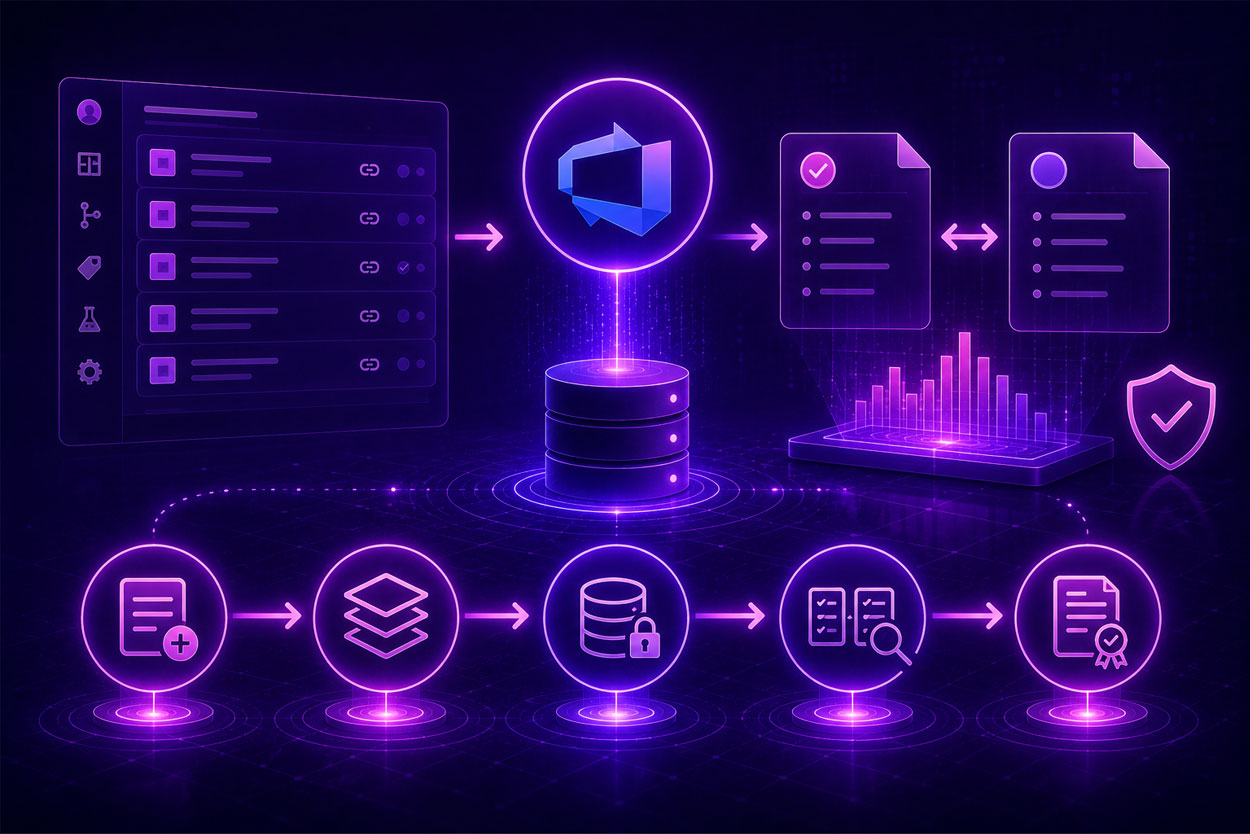
On most projects, requirements shift as work progresses. Without a fixed reference point, scope quietly drifts and teams lose track of what was actually agreed on. A requirement baseline solves this by freezing a set of requirements at a specific moment in time. 

In this guide, we’ll walk through what a baseline is and how to create one inside Azure DevOps, step by step.

Wichtige Erkenntnisse

What you’ll learn in this article

  • Azure DevOps automatically tracks the version history of each individual work item, but it can’t lock an entire set of work items at once.
  • ADO Analytics takes a daily snapshot of work items, yet it can’t create a named artifact for a set of items and freeze them.
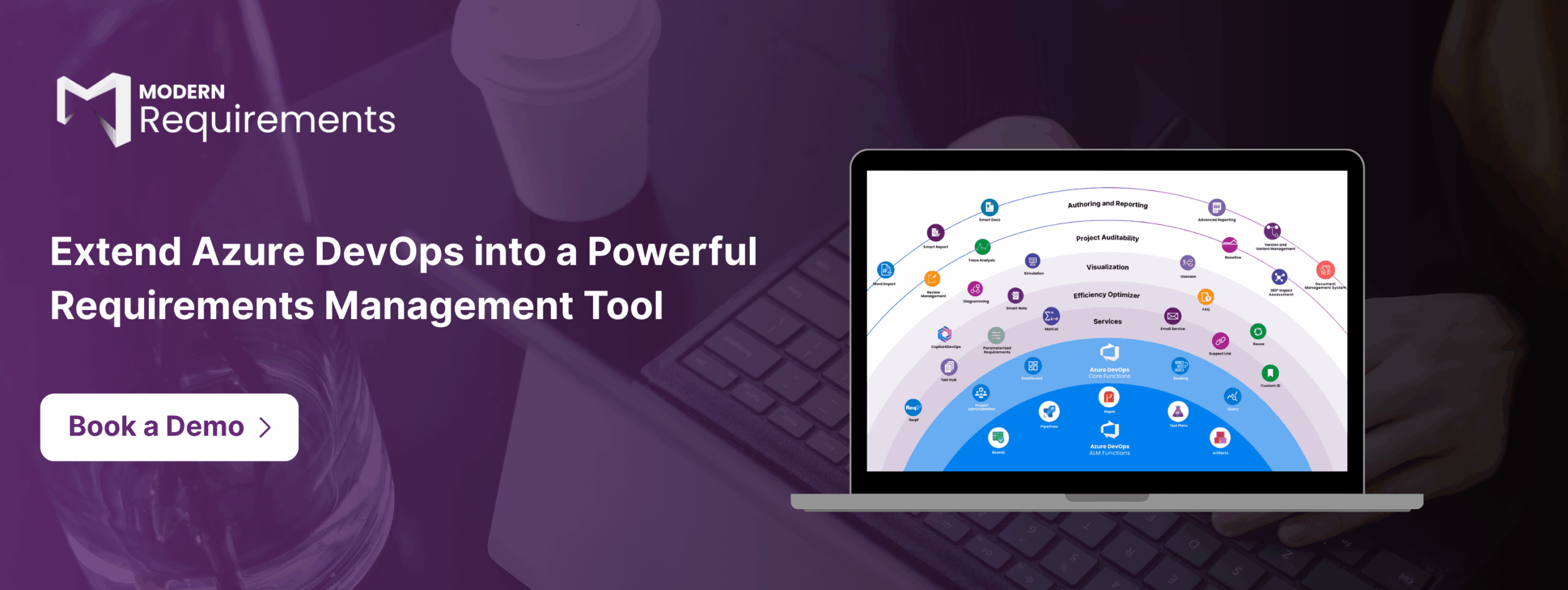
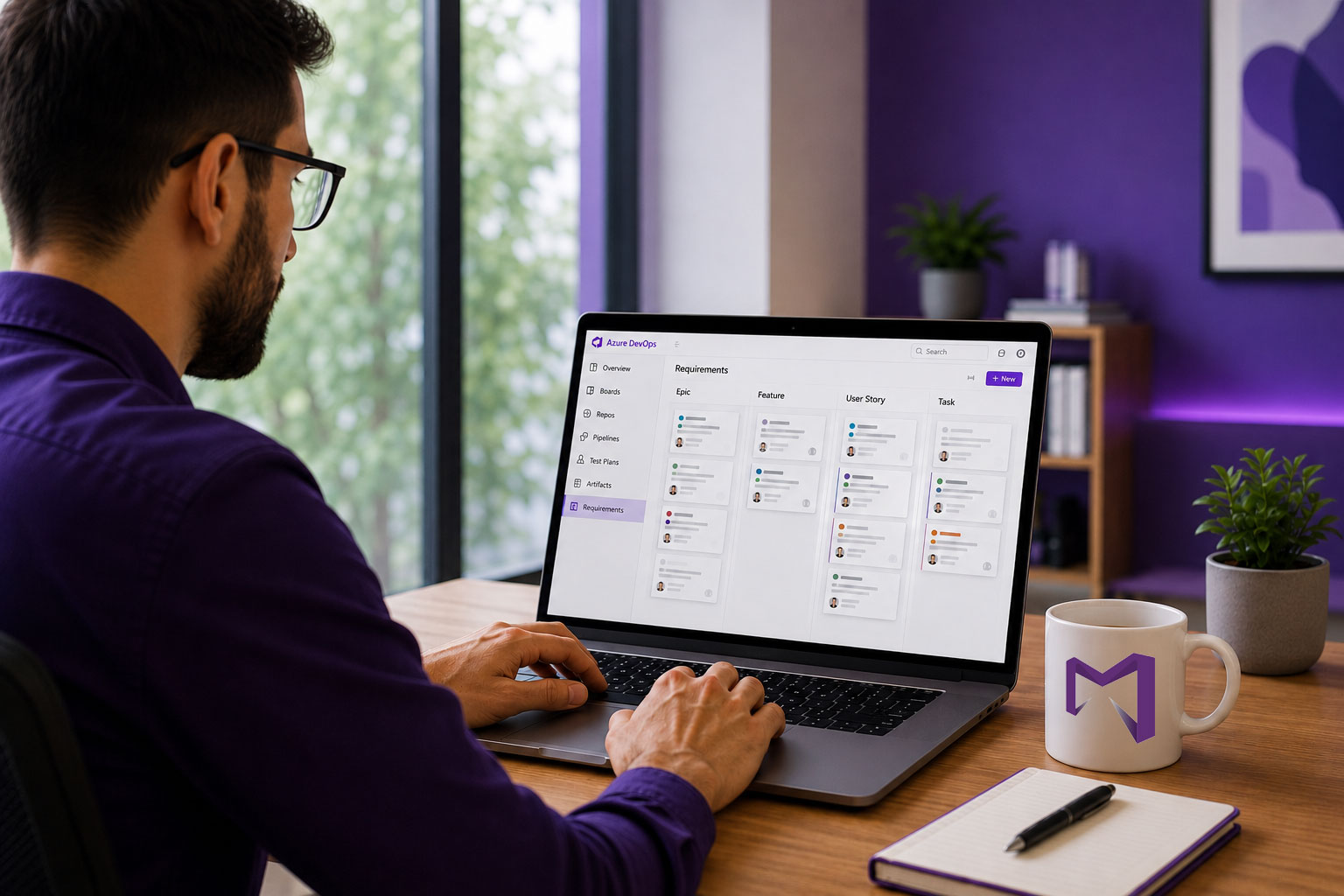
  • Modern Requirements4DevOps solves this by letting you create baselines directly inside Azure DevOps — with no context switching.
  • Modern Requirements4DevOps NextGen also lets you compare baselines, export a difference report to Microsoft Word, and reuse a baseline across different projects.
  • Regulatory teams rely on it too: it logs every action, follows Azure DevOps security standards, and exports audit reports for regulatory submission.

Want to see if it fits your workflow?

Get a Demo

What Is a Requirements Baseline in Azure DevOps?

A requirements baseline is a point-in-time snapshot of a reviewed and approved set of requirements. You can think of it as the signed-off copy of your requirements at a given milestone, whether it could be a sprint or a release. Once a baseline is created, that snapshot of requirements stays frozen regardless of how requirements change after that, and it serves as the basis for further work.

To make changes in the baseline, teams need to follow the programmatic change control process. Decision makers use baselines to check what was agreed upon and what needs to be changed, and make timely decisions to modify the planned functionality.

Teams commonly create baselines for:

  • A product release or sprint milestone
  • A regulatory submission or audit checkpoint
  • A stakeholder sign-off on a specific set of requirements

Without a baseline, teams generally use spreadsheets and Microsoft Word documents to take a snapshot of requirements, but this habit breaks requirement versioning, makes traceability hard, and becomes out of sync.

Can Azure DevOps Create Requirements Baselines Natively? (The Gap)

Short answer: no.

Azure DevOps stores and tracks the version history of individual work items. Every time any requirement is changed, Azure DevOps automatically logs a new revision, which is useful for tracking what is changed, by whom, and when. 

But it stops here.

You can’t create immutable requirement snapshots in Azure DevOps that actually lock an entire set of requirements. For example, there is no way to pick a few features and user stories at the sprint sign-off, freeze them, and compare that state against what the spec looks like 8 weeks later. Also, it has very limited functionality to copy requirements across projects. 

We’ve noticed that some technical readers may point out that the analytics service in Azure DevOps writes daily historical snapshots. That’s very true. But those snapshots run on an automated daily cycle, not captured at a milestone you define. Also, they aren’t named artifacts tied to a release or sprint, and they can’t be compared, merged, or reused across projects.

So, the baseline creation gap is real in Azure DevOps.

Work Item History vs. a Real Baseline

  Work Item Revision History (Native ADO) Requirements Baseline (MR4DevOps)
Umfang One work item at a time A whole set of requirements
It answers What has changed, and who changed. What did the full specs look like at sign-off and currently?
Locked Snapshot No Yes, immutable once captured
Compare Two Points in Time Manual, per item Built in, set vs. set
Audit-Ready Report No Word Difference Report (Summary or Detailed)
Reuse Across Projects Very limited Copy and merge are supported
Capture Trigger Automated daily by ADO Analytics On demand, at a milestone you define
Merge Two Snapshots Not possible Merge two baselines into a third

How to Create a Requirements Baseline in Azure DevOps with Modern Requirements4DevOps

Step 1: Once the Modern Requirements4DevOps extension is installed within Azure DevOps, you will directly see “Baseline” within the Azure DevOps side panel. You can open it directly from there.

Here, you can see all baselines and create folders to organize them. 

Step 2.1: Next, click on the “New Baseline” button in the top bar. Then, enter the title and description for the baseline. Then, click next.

Step 2.2: Here, you can select work items to add to the baseline using ADO queries, by searching using ID or title, or by using the created date filter. After that, click on “Create” to create a new baseline with selected work items.

Step 3: Before you save the baseline, use “Set Version” to pin individual work items to a specific historical revision. Or use “As of Date” to set the entire baseline to how all work items looked on a particular date.

Here, you can also remove and edit work items.

Step 4: Once everything looks right, click “Save”.

Step 5: Once the baseline is created, you can compare it with the current version, other baselines, or ADO queries. It clearly shows what has changed and what has not.

You can also export a difference report in Microsoft Word or PDF format.

Step 6: If the baseline is updated and needs to be sent for review, users can directly start review from the current baseline.

How to Copy and Reuse Baselines Across Projects

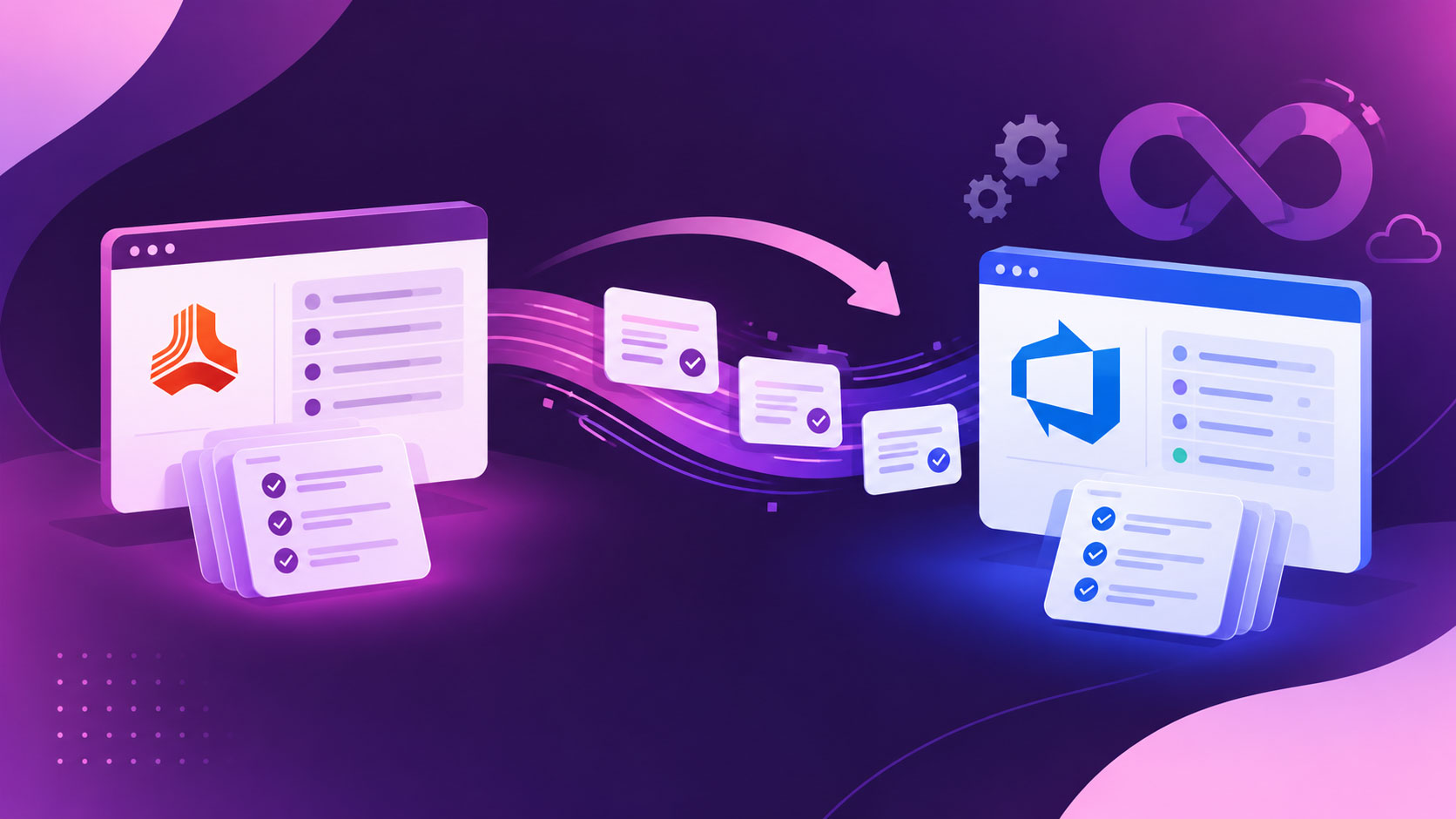
MR NextGen also allows teams to share baselines from one project to another.

Users can click on the “Copy Baseline” button and set the project where they want to copy the baseline and select particular work items from the existing baseline to add to the copied baseline. That’s all it takes to copy the current baseline into another project.

Furthermore, if you want to import any particular baseline from another project, click “Reuse” from the Baseline browse page, select the source project, pick the baseline you want to pull from, and select your work items.

Best part: It also maintains a traceable link back to the source. You can visit the “details” tab to track the original source of the current baseline and baselines that are all copied from the current one.

Why Baselining Requirements Matters for Compliance

Teams working in the regulated industries, such as finance, healthcare, aerospace, etc., are required to prove which requirements were approved, who approved them, and when. Furthermore, standards like FDA 21 CFR Part 11, ISO 13485, IEC 62304, and DO-178C all expect this kind of evidence, whether it’s audit trails for electronic records or full traceability from requirement to test.

In such scenarios, the immutable baseline is used as a reference point to prove adherence to regulatory standards, prevent scope creep, and avoid legal penalties due to non-compliance. Also, by locking compliance requirements in your organization, you ensure that everyone, including third-party vendors, follows the same requirements and regulations.

Häufig gestellte Fragen

Can you edit a baseline after creating it?

No, a baseline can’t be edited after it is created, as it is immutable and holds the version captured at the time of creation. That’s what makes it reliable as an audit reference.

From where can you create a baseline in Azure DevOps using Modern Requirements4DevOps?

It allows teams to create baselines directly from Smart Doc or the review module within Modern Requirements4DevOps and the ADO backlog. This way, users can create a baseline directly from where they are working.

Does Modern Requirements4DevOps keep our data secure?

Yes, Modern Requirements4DevOps inherits permissions from Azure DevOps. Also, it doesn’t store any of your data, and everything stays within your ADO workspace. So, there is no data and security risks are associated with Modern Requirements4DevOps.

Inhaltsverzeichnis

Beginnen Sie noch heute mit der Nutzung von Modern Requirements.

✅ Definieren, verwalten und verfolgen Sie Anforderungen innerhalb von Azure DevOps
✅ Arbeiten Sie nahtlos mit regulierten Teams zusammen
✅ Starten Sie KOSTENLOS – keine Kreditkarte erforderlich

Aktuelle Artikel