The Future of AI in Enterprise: How Agentic Systems Are Transforming Work
Artificial Intelligence (AI) is no longer a distant dream; it's...
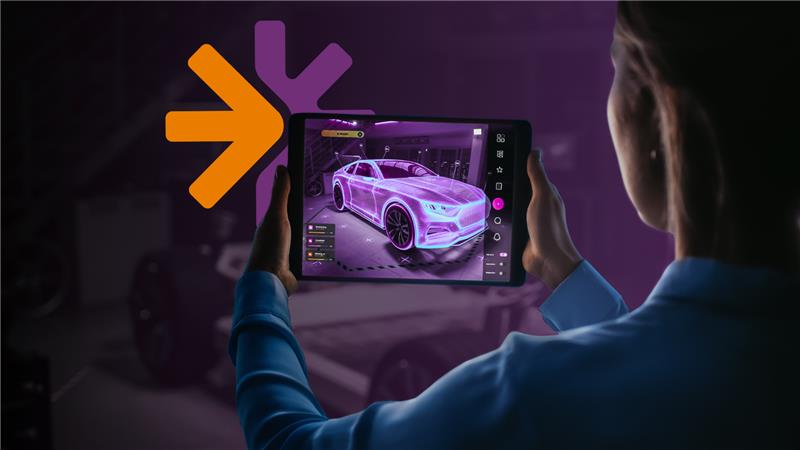
The design and engineering field underwent a remarkable shift over the past two decades.
Traditionally, teams relied only on physical prototypes and tangible models to validate concepts, which were costly and time-consuming. The introduction of virtual prototyping has fundamentally altered how companies approach innovation and product development. With that, instead of relying on physical mockups, teams can build digital models and test performance under real-world conditions.
The advantages of virtual prototypes are beyond economics. Compared to physical prototypes, virtual methods allow faster iteration, earlier validation, and lower rework risk. Furthermore, according to a report prepared by the Aberdeen Group, teams that use virtual prototyping shorten the length of their development time by 29%.
Let’s understand more about virtual prototyping, how it is different and better than physical prototyping, and how well-structured requirements management improves that.
Virtual prototyping, also known as Computer-Aided Engineering (CAE), is a process of creating the digital version of the product that replicates a product’s physical characteristics, behavior, and performance.
To understand virtual prototyping in a better way, consider Tesla’s approach to vehicle development. They run multiple virtual crash tests and simulations before developing physical test vehicles. Each simulation gives them new data or errors that would otherwise require destroying physical prototypes worth thousands of dollars.
So, virtual prototyping helps teams in transforming abstract concepts into testable and measurable designs in no time and without consuming physical resources.
Aspect | Virtual Prototyping | Physical Prototyping |
|---|---|---|
Format | It’s a digital model built using software like CAD or Simulation tools. | It’s a real, physical sample built using materials and manufacturing processes. |
Stage of Use | Developed during the design and requirement validation. | Developed during the production. |
Cost per Iteration | Very low cost, as it is simulated in a virtual environment. | Very high due to material, tooling, and fabrication costs. |
Speed of Changes | Design updates can be tested within hours or days. | Changes require rebuilding or modifying hardware. |
Risk Exposure | No physical damage risk during extreme scenario testing. | Risk of component failure, damage, or safety issues. |
Requirement Validation | Enables early feasibility checks against performance requirements | Confirms real-world performance after design is finalized |
Traceability | Simulation results can be linked directly to requirements and verification records. | Manual documentation is required to link test outcomes to requirements. |
Scalability of Testing | Multiple scenarios, edge cases, and stress conditions can be tested easily | Limited number of physical test scenarios due to time and cost |
Accuracy | Based on mathematical models and assumptions | Reflects real-world physical behavior under actual conditions |
Also read: A detailed guide on model-based development
There are multiple benefits of virtual prototyping that directly affect the project timeline, budget, and product quality. It helps in reducing the uncertainty in design decisions and improves control across the product development lifecycle. Here are more benefits of virtual prototyping:
The efficiency of virtual modelling totally depends on the quality and clarity of requirements. The clear requirements help in selecting the right model, input data, boundary conditions, acceptance criteria, and other artifacts. On the other hand, when requirements are vague or ambiguous, simulation tests wrong things, and the results are hard to interpret.
Furthermore, traceability is more valuable while developing and simulating virtual prototypes. It ensures that each simulation test is connected back to the specific and relevant functional, non-functional, or compliance requirements. This helps in tracking untested critical requirements, generating audit trails for compliance documentation, and understanding which changes might affect different parts or regulatory commitments.
For example, in medical device development, the FDA expects teams to submit required evidence that demonstrates device design testing addresses all functional safety requirements, and virtual prototyping with traceability makes that possible.
Other than that, in modern product development, multiple engineering teams often work together. For example, during aviation development, mechanical engineers, electrical engineers, software engineers, and aerospace engineers develop a virtual prototype together. In this case, all approved requirements serve as the common language that keeps teams aligned.
In short, well-established traceability, structured requirements reviews, change control, requirements modelling, and virtual prototyping tools really play an important role in virtual prototyping.
For effective virtual prototyping and simulation, teams need a single tool that can manage requirements and allow teams to build and simulate virtual prototypes in one place. Modern Requirements4DevOps, which works directly within your Azure DevOps workspace, is one of them.
Teams can use the Simulation module of Modern Requirements4DevOps to build virtual prototypes collaboratively directly within the ADO workspace. It offers a drag-and-drop interface to build virtual prototypes using different components, including buttons, text boxes, or hardware components. It also allows adding real-time actions that each component should perform when the user interacts with it. These virtual prototypes can also be saved as templates for reuse.

Similarly, the Diagram module allows teams to build different types of requirements models based on ADO work items that can be simulated under different conditions using the Use Cases module.
The traceability feature of Modern Requirements4DevOps allows connecting all simulation results with existing ADO work items, which is very helpful for teams working in regulatory industries. The best part is that the version and variant management feature helps in tracking how the virtual prototype has evolved and who made changes.
Formal review workflows within Azure DevOps support validation of simulation assumptions and results. Approvals, comments, and version history are preserved, which is critical in regulated environments.
✅ Define, manage, and trace requirements within Azure DevOps
✅ Collaborate seamlessly across regulated teams
✅ Get started for FREE—no credit card required
Artificial Intelligence (AI) is no longer a distant dream; it's...
Learn more about the importance of SOC 2 compliance, its...
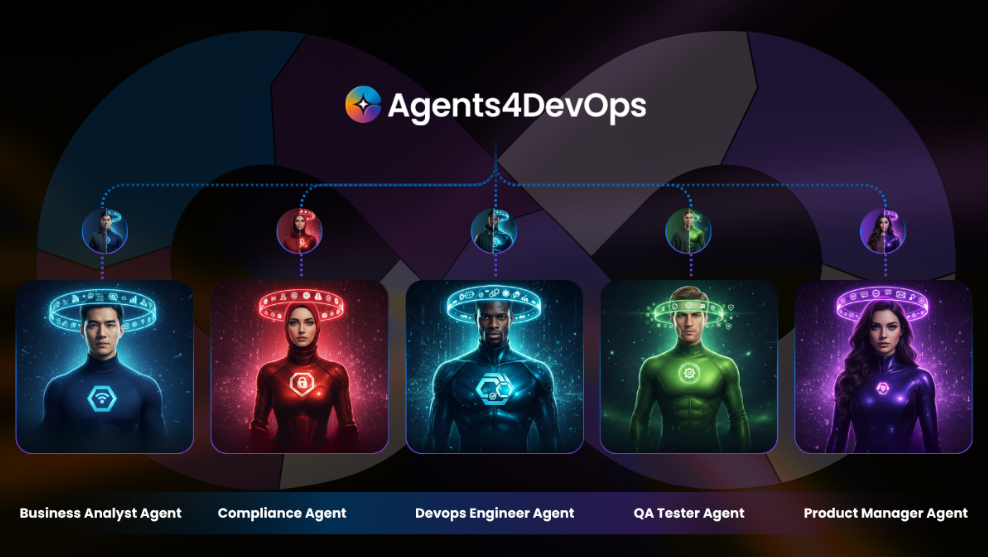
Agents4DevOps puts smart AI agents right into Azure DevOps, letting...