Aller au contenu

Why Migrate from Jama Connect to Modern Requirements4DevOps

Listen to this blog

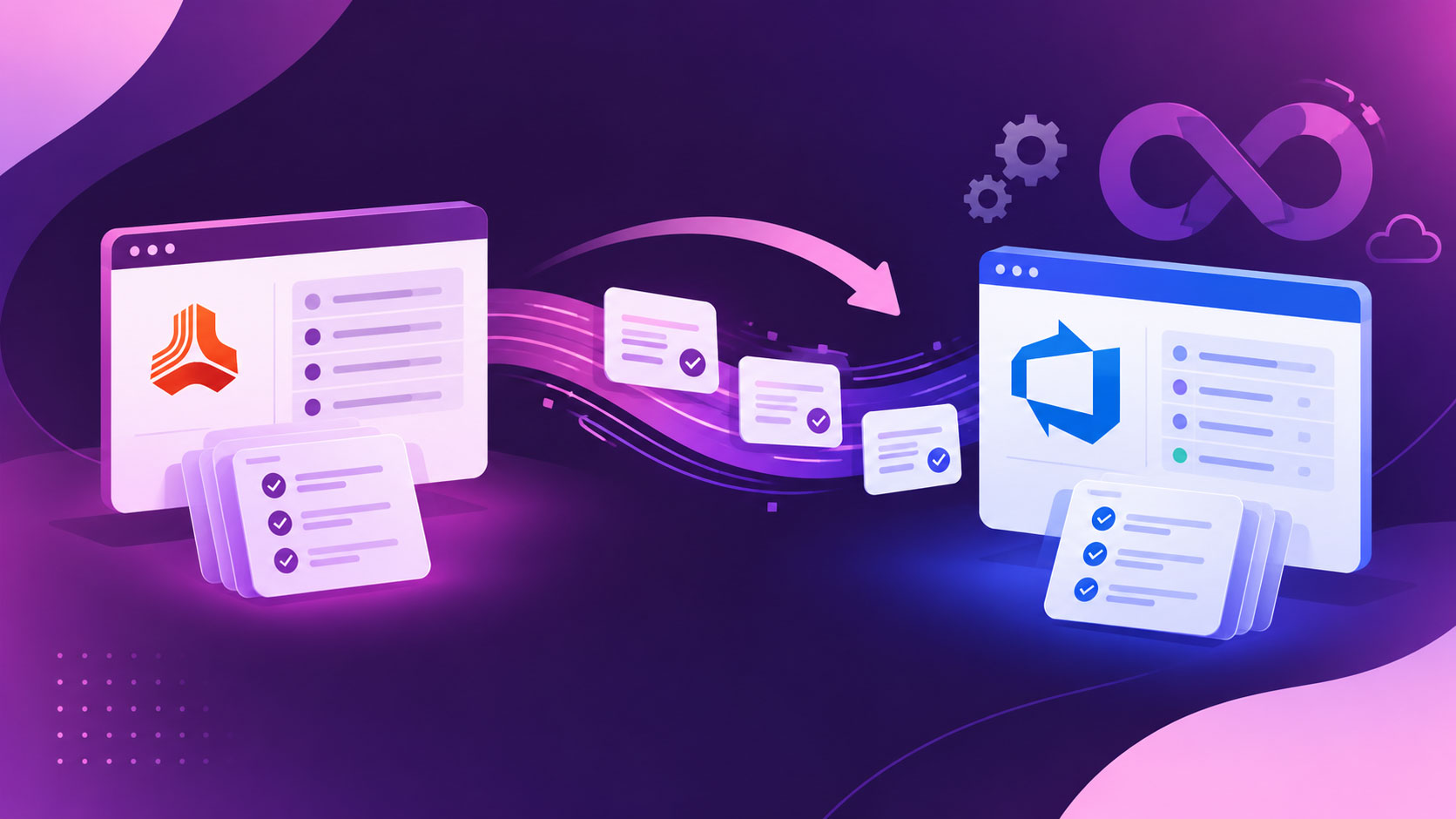
A Jama Connect renewal can be a good time to ask a simple question: does your team still need a separate requirements platform when development already happens in Azure DevOps? If developers work in Azure DevOps while requirements live in Jama, your team is managing two systems connected by an integration.

For teams considering whether to migrate from Jama Connect, the decision comes down to how closely requirements need to sit with development work. Modern Requirements4DevOps runs inside Azure DevOps, where requirements are stored as Azure DevOps work items and use the platform’s permission model. That can remove the need to maintain a separate requirements environment and synchronization layer.

This guide is for teams whose delivery already runs in Azure DevOps, and we will help them to make a decision about whether they should stay with Jama Connect or migrate to Azure DevOps.

Points clés à retenir

What you'll learn in this article

  • Why teams migrate from Jama Connect when development already runs in Azure DevOps

  • What changes when requirements live inside Azure DevOps as work items

  • Seven questions to ask before your next Jama renewal

  • What a Jama Connect migration involves, from deciding what moves to cutover

  • How to answer the objections your team will raise about traceability, attachments, and retraining

  • When staying with Jama Connect makes more sense

Why Teams Migrate From Jama Connect: One Product, Two Systems

The main reason to consider a move is not that Jama Connect cannot work with Azure DevOps. It can. Jama Solutions Architect has developed Features in five videos that explain how to do integration between Jama Connect and Azure DevOps.

But the right question to ask is: whether your team still benefits from keeping requirements and development work in separate systems.

Teams considering a move may be dealing with:

  • Two working environments: For many delivery teams, developers work in Azure DevOps, and requirements are managed inside Jama Connect. So, they need to manage two sets of accounts and permissions for many users. To avoid all of this back-and-forth, teams are migrating from Jama and creating a single source of truth for requirements management and development activities.
  • Synchronization to maintain: In the help documentation, Jama lists two partner platforms, including Ops Hub Integration Manager and Plan View Hub, to manage bidirectional sync between Jama Connect and Azure DevOps. Traceability across the tools depends on that layer running correctly.
  • Separate ways of working: Every team might have different processes for creating, reviewing, updating, and tracking work across the two platforms. When requirements are moved into Azure DevOps, it can give teams a common working environment.
  • Less system switching and monitoring: Once migration is done, teams are not required to continuously monitor whether the sync is correctly done.

What Changes When Requirements Live Inside Azure DevOps

Once requirements are migrated inside Azure DevOps, they become ADO work items and live inside the ADO backlog alongside development work, tests, links, revisions, and other project data. With this, every requirement links directly to the story, test case, or pull request that satisfies it. Then, teams can use Modern Requirements4DevOps directly within Azure DevOps to manage traceability, reviews, baselines, documents, etc. from one place without switching between multiple platforms.

The working surfaces Jama users expect are there too. The Smart Docs module of Modern Requirements4DevOps offers Microsoft Word-like editors to JAMA users for creating living documents that are tied to Azure DevOps work items. In the same way, teams can create traceability matrices from ADO work items, which update automatically whenever any work item updates, and never become outdated. Review management with e-signature runs inside Azure DevOps, allowing teams to export all review records, including comments, logs, etc., and stay 21-CFR Part 11 compliant without leaving the tool.

The best part? Modern Requirements4DevOps inherits your process template, XML, or inheritance, plus your security groups and area path permissions. So, teams don’t need to manage separate permissions.

Here is the quick comparison between Jama Connect and Modern Requirements4DevOps:

ZoneJama ConnectExigences actuelles pour le DevOps
Azure DevOps RelationshipCan connect with Azure DevOps through integration solutions and synchronization.Built directly into Azure DevOps, so requirements and development work use the same platform.
System ArchitectureSeparate requirements platform connected to development tools.Requirements management capability built directly into Azure DevOps.
Data LocationRequirements remain within the Jama Connect environment and development activities within ADO.Requirements remain as Azure DevOps work items within the existing Azure DevOps environment and are managed through Modern Requirements.
Requirements AuthoringJama provides its own requirements authoring and document views.Smart Docs provides structured, document-style requirements authoring within Azure DevOps. Copilot4DevOps AI also helps in creating work item hierarchy like epic -> feature -> user story -> task, etc., from requirements.
TraçabilitéSupports relationships and traceability across requirements inside Jama.Provides bi-directional traceability views, matrices, analysis, and relationships across live Azure DevOps work items.
ReviewsProvides review and approval workflows within Jama Connect.Provides Review Management for requirements and approval workflows within Azure DevOps.
Self-hosted footprintDedicated Linux application server running only Jama, installed with Replicated KOTS, plus a database server.Stores its data in your Azure DevOps Server, with no separate requirements database.
AIJama Connect Advisor (add-on for Cloud customers) and Jama Connect MCP (separate-purchase add-on).Offers Copilot4DevOps AI within Azure DevOps that helps to draft requirements, analyze them, assess change impact, generate documents, test cases, mockups, requirements diagrams, etc., and connect back with work items.

Questions To Ask Before You Renew Jama

Before your next Jama renewal comes, you should ask yourself or your team the questions below to understand the struggles with Jama Connect:

  1. Who keeps the Jama and Azure DevOps sync running, and what does it cost you each year?
  2. Do your developers ever open Jama, or do they only see what the sync sends them?
  3. How cleanly do your Jama item types map to Azure DevOps work items?
  4. How many Creator seats do you hold just for API access or test authoring, and how much it costs?
  5. If you self-host, what does running and upgrading the Jama stack take?
  6. Can Jama handle our requirements, testing, and traceability needs without forcing us into additional tools?
  7. What would change if requirements were managed directly in Azure DevOps?

These questions keep the discussion focused on your team’s actual workflow, not on whether Jama is simply a good or bad product.

What A Jama Connect Migration Involves

Jama Connect to Azure DevOps migration is not just about exporting requirements from Jama Connect and importing them into Azure DevOps, but you also need to decide what to move, how to map Jama data to Azure DevOps, and how you will verify the relationship between work items is intact after import. For that, follow the steps below:

1. Decide what moves

Prioritize active projects, current requirement versions, open work, relevant relationships, and records needed for audits. Older completed projects can remain archived when your records policy allows it.

2. Choose your export route

RouteBest ForLimitation
ReqIFStructured requirements, fields and relationshipsTest relationship mapping before full migration
WordSpecifications and document-style contentDefault exports carry relationships only one level
ExcelSimple tabular requirement dataRich-text formatting is not preserved
REST APIScripted and controlled extractionRequires the appropriate Jama licensing and API permissions
Third-party toolsLarger or more complex migrationsMapping and supported data types vary by tool

3. Map before importing

Map Jama item types, fields, states, hierarchy, and relationships to Azure DevOps work item types and link structures. This is where many migration issues can be caught before data is moved.

4. Import and validate a pilot

Start with one representative project. Check fields, relationships, formatting, attachments, and required metadata. Azure DevOps CSV import supports up to 1,000 work items, but only creates parent-child links, so it is not suitable for full traceability migration.

5. Re-baseline and cut over

After validation, migrate the remaining data, establish the new baseline, confirm the workflow, and set a clear point after which Azure DevOps becomes the working system.

The Objections Your Team Will Raise

Here are some of the questions that my team can ask before the Jama Connect replacement:

Will we lose traceability when we move from Jama Connect?
ReqIF can carry relationships, but the import process needs to be tested to confirm how those relationships appear as Azure DevOps links. A pilot migration should include real requirement-to-development and requirement-to-test relationships.

What happens to our requirement history and audit records?
You do not have to move every historical version into Azure DevOps. Define what must remain in the archive, then establish a new history and approval record for active requirements after migration.

What happens to attachments and rich-text content?
Export formats handle these differently. Word, Excel, ReqIF, and API-based extraction each have their own limits, so attachments, formatted content, and embedded objects should be checked during the pilot.

Will our teams need significant retraining?
Some training will still be required, particularly for requirements authors moving to Smart Docs and other Modern Requirements features. Developers who already work in Azure DevOps will continue using their existing environment.

Are we giving up the AI capabilities we use today?
No. Modern Requirements provides AI capabilities, with broader AI functionality available in Copilot4DevOps. Review the specific Jama and Modern Requirements features your teams currently used before migration.

Can we run Jama Connect and Azure DevOps together during the transition?
You can plan a controlled transition period, but decide which system is the place where requirements are edited. Allowing both systems to remain active sources can create conflicting changes.

What if the migration does not reproduce everything correctly?
That is exactly why a pilot matters. Test the items, fields, relationships, attachments, formatting, and reports that matter to your process before moving the wider dataset.

When Staying With Jama Connect Makes More Sense

For every team, it is not the right choice to migrate from Jama Connect. Here is when teams should stick with Jama Connect:

  • If your development project is managed in ALM tools like Jira, GitLab, or another platform rather than Azure DevOps.
  • Your organization intentionally manages requirements and development activities in different tools.
  • Customers, OEMs, suppliers, or partners require Jama Connect for collaboration or project processes.
  • Your teams depend on Jama-specific capabilities that are difficult to replace.

However, when development teams are working inside Azure DevOps, it is worth moving to Modern Requirements4DevOps to create a single source of truth by creating requirements as Azure DevOps work items instead of synchronized records. This can reduce your operations teams’ burden of maintaining and syncing requirements between two platforms.

Commencez dès aujourd'hui à utiliser Modern Requirements

✅ Définissez, gérez et suivez les exigences dans Azure DevOps
✅ Collaborez en toute fluidité entre équipes soumises à des réglementations
✅ Commencez GRATUITEMENT — aucune carte de crédit requise

Articles récents

Modern Requirements logo mark