Aller au contenu

Modern Requirements4DevOps V1: Introducing Smart Import and Diagramming

Modern-Requirements4DevOps-V1---Introducing-Smart-Import-and-Diagramming
Listen to this blog

Modern Requirements4DevOps NextGen was launched with a rebuilt foundation designed to provide a stronger, more consistent requirements management experience within Azure DevOps.

Since the launch in early June, we are building on that foundation with another set of updates based on customer needs, feedback, and practical requirements work, helping teams to get better requirements workflows within Azure DevOps.

This release introduces new modules, refreshed experiences, and improvements across the product. Smart Import introduces a dedicated way to bring existing Word and PDF content into structured Azure DevOps work items. A Diagramming module has been added, allowing users to create different types of visual requirements models, while Cross-Referencing Support adds a practical way to connect related content within Smart Docs.

Together, these updates focus on making requirements easier to create, organize, understand, and work with across the Azure DevOps environment.

Points clés à retenir

What’s new in this release

  • Smart Import brings existing Word and PDF content into structured Azure DevOps work items through a guided flow — upload & parse, map & classify, link, preview, then import — so teams start from documents they already have instead of copy-pasting.

  • A new Diagramming module adds a drag-and-drop canvas inside Azure DevOps for flowcharts, BPMN, and use case diagrams, with work-item links and check-in/check-out for team editing.

  • Cross-Referencing in Smart Docs connects numbered items, tables, and figures within a document; references survive editing and carry through HTML, Word, PDF, and Smart Report outputs.

  • Agents4DevOps is now live for MR Cloud users — pre-built AI agents automate work across Azure DevOps, with admin control over permissions, approvals, models, and execution history.

  • The release also adds multilingual support (10+ languages) and direct URL sharing for Trace Analysis, Baseline, and Smart Docs files.

Want to see the latest MR4DevOps NextGen features in action? Get a Demo

Multilingual Support

In this release, Modern Requirements4DevOps has removed a language barrier that global teams can face when English is not their preferred language. Now, the application interface is available in 10+ languages, including Dutch, Portuguese, French, etc. Users can just select any supported language, and all menus, labels, and key interface elements change to the selected language.

This update helps organizations maintain a more consistent requirements management experience when teams work across different regions and language preferences. 

Smart Import: From Existing Documents to Structured Azure DevOps Requirements

When requirements from documents have to be added to Azure DevOps as structured work items, it involves considerable manual effort. Previously, users had to recreate the requirements, organize their hierarchy, map fields, and establish the required links.

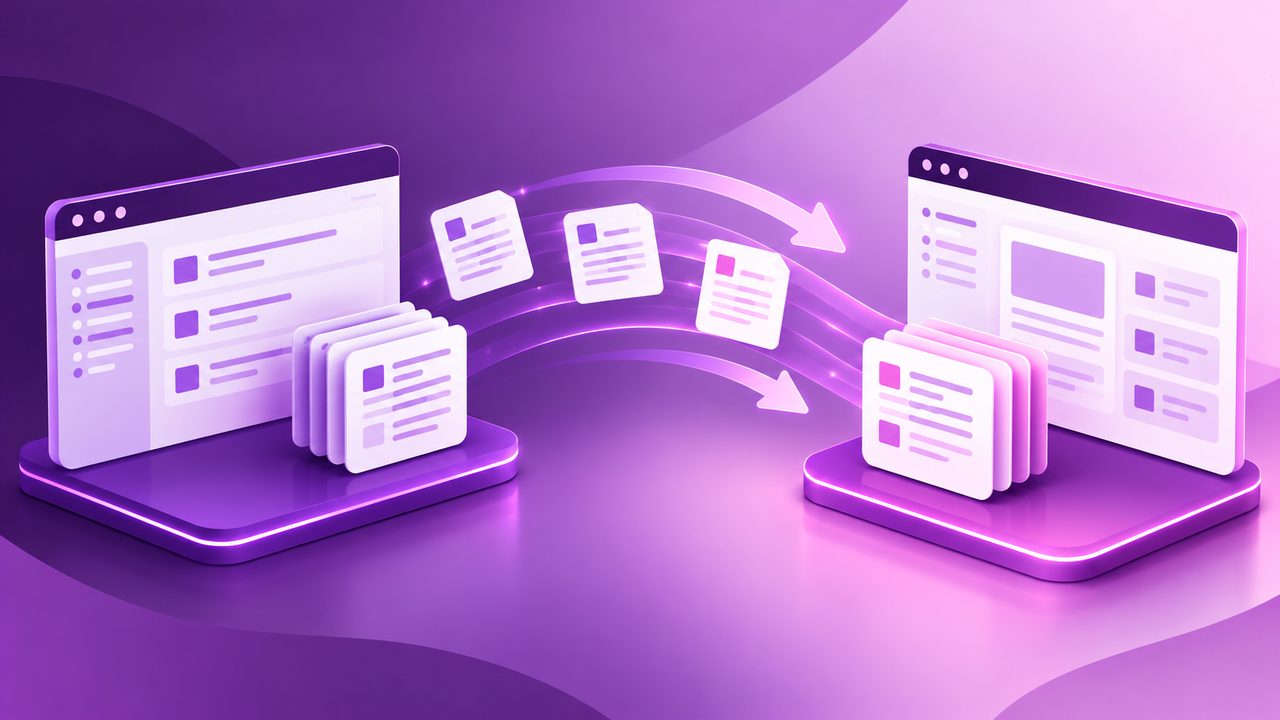
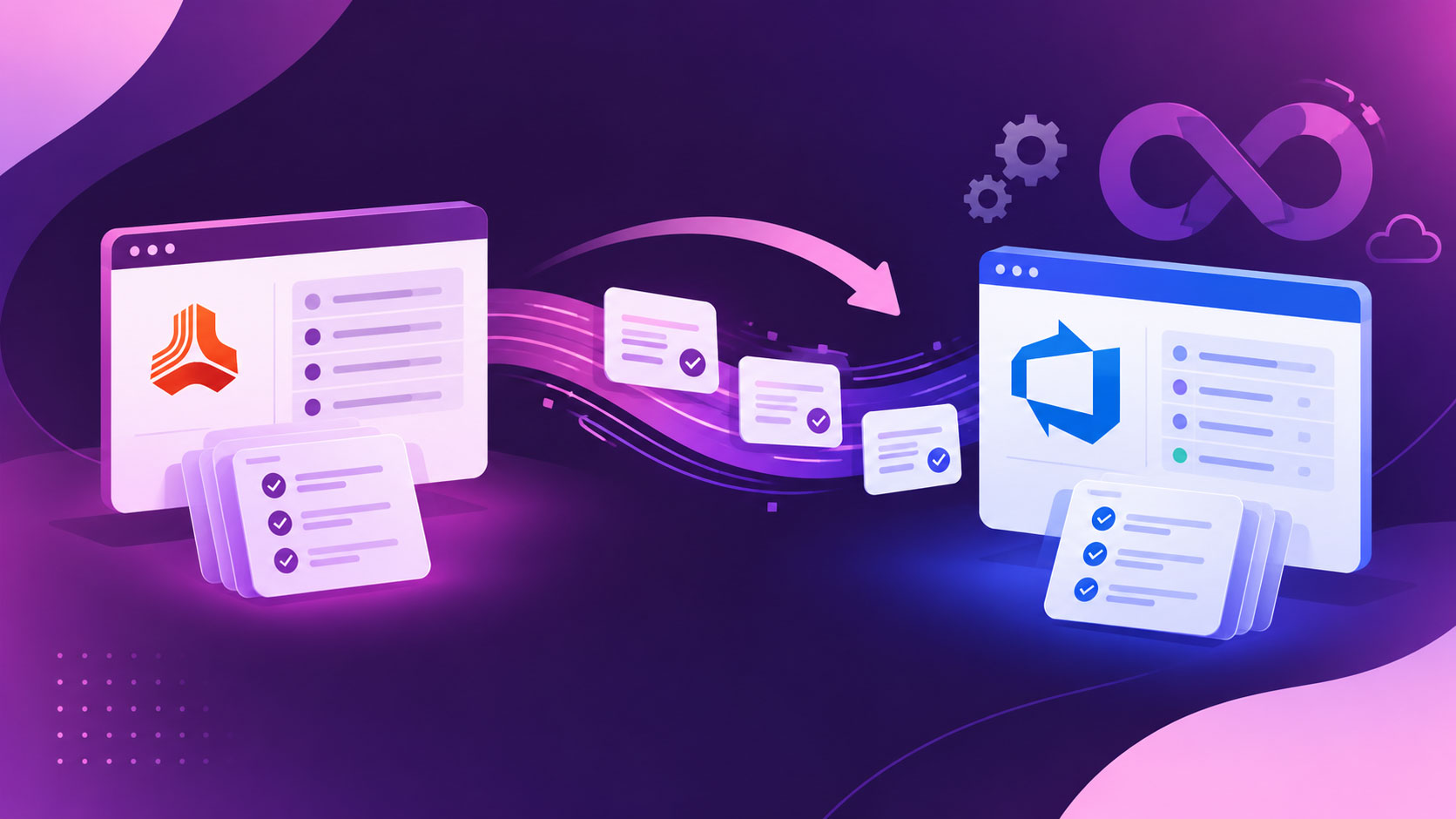
We’ve introduced the Smart Import module to address that gap. It provides a guided process to move content from Word or PDF documents into Azure DevOps while giving users control over how the content is classified and structured.

The process includes:

  • Upload and Parse: Extract headings, paragraphs, lists, images, and tables from the source document.
  • Map & Classify: Decide which content becomes work items, select work item types, and map content to fields. For example, heading 1 becomes an Epic, heading 2 becomes a feature, heading 3 becomes a user story, each table row becomes a task, etc.
  • Link: Establish parent-child and other relevant work-item relationships.
  • Preview: Review duplicates, missing required fields, ambiguous items, and links before anything is created.
  • Import: Create or merge the approved work items in Azure DevOps.

This means teams can start with requirements documents they already have instead of manually copy-pasting them as work items within Azure DevOps. The review and preview stages also keep the process controlled, so users can make corrections before the requirements become part of their Azure DevOps environment.

Diagramming: Turn Requirements Into Clear Visual Models

When complex requirements are visualized as diagrams or requirements models, it becomes easier to understand. By keeping that in mind, we have introduced a diagramming module in modern requirement code evokes. It offers a workspace within Azure DevOps where teams can drag and drop different shapes onto the canvas, connect them with configurable connectors, and use categorized stencils to build visual models. It allows creating different types of diagrams, including flowcharts, BPMN process models, use case diagrams, etc.

Furthermore, it also allows linking existing ADO work items with diagrams so that users can clearly understand which requirement a particular step of the diagram explains. Diagrams also support check-in and check-out, helping teams manage changes when multiple people are working with the same visual model.

This brings visual modeling closer to the requirements themselves, giving teams a practical way to represent processes and system interactions while maintaining links back to the work items behind them.

Cross-Referencing Support in Smart Docs to Keep Related Requirements Connected

Large requirement documents can become difficult to follow when related requirements, tables, and figures are spread across different sections. Cross-Referencing Support in Smart Docs gives users a direct way to connect these elements within the same document. Users can reference a numbered item, table caption, or image caption, and clicking the reference takes them directly to the relevant location while briefly highlighting the target. References can also remain intact while the document is being edited and carry through HTML, Word, PDF, and Smart Report outputs.

For teams, this helps to link regulatory requirements to the specific table, definition, or figure that provides supporting context. Reviewers move quickly between reference content when checking large requirements documents. So, this is especially relevant for teams working with large, controlled requirements documents where clarity and traceability matter.

Agent4DevOps Is Now Live For MR Cloud Users

In this release, we are rolling out Agent4DevOps to MR Cloud users. With Agent4DevOps, teams can create and use pre-built AI agents that can execute work across Azure DevOps projects.

Different teams can use these agents for different types of work. Business analysts and requirements teams can use agents to handle repetitive work around work items and requirements. Project and engineering teams can configure agents to respond to work items, builds, pipelines, or other events and execute defined tasks with optional approval steps. Administrators can control agent permissions, tools, models, notifications, and execution across projects.

For organizations in regulatory industries, these controls become particularly useful. Teams can keep approvals, permissions, execution history, and agent activity under administrative control, while still automating defined DevOps tasks.

Agents4DevOps also provides reusable skills, agent templates, job history, and monitoring, giving teams a structured way to introduce AI-driven execution without giving up control over how that work is performed.

Made It Easier to Share Traceability, Baseline, and Smart Docs Files Using URLs

Sharing requirements artifacts is now simpler. Users can copy a direct URL for Trace Analysis, Baseline, and document files and share it with other permitted users. This makes it easier for teams to open the same artifact quickly without searching through the project.

Better Requirements Experience in Azure DevOps

Modern Requirements4DevOps NextGen continues to build on its new foundation with updates that make requirements work more connected, visual, and easier to manage. From Smart Import and Cross-Referencing Support to the refreshed Diagramming experience and Agents4DevOps, this release brings several practical additions for modern development teams.

These updates are designed around how teams work with requirements in real projects, whether they are managing large documents, connecting related information, creating visual models, or automating DevOps work.

And if you have any feedback, just tell us. We’ll look into it and use your feedback to keep improving the product.

Table des matières

Commencez dès aujourd'hui à utiliser Modern Requirements

✅ Définissez, gérez et suivez les exigences dans Azure DevOps
✅ Collaborez en toute fluidité entre équipes soumises à des réglementations
✅ Commencez GRATUITEMENT — aucune carte de crédit requise

Articles récents

Modern Requirements logo mark