How to Baseline Requirements in Azure DevOps (Step by Step with Modern Requirements4DevOps)
Azure DevOps cannot lock a requirements snapshot on its own....
Imagine a company wants to build an online food delivery app. Before anyone writes code, they must create the three documents below to avoid confusion:
However, many teams have confusion about when to use which document, and we’ve also noticed that people are asking questions about that on community forums like Reddit.
Also, the real challenge begins when teams maintain separate copies of these documents across Word files, spreadsheets, emails, and project management tools. Then, every update must be copied manually, and there is a chance that it will become out of sync.
That’s why we are writing this blog and covering what BRD, PRD, and SRS are and also explaining the difference between all of them and when to use each. I have also explained how to unify all documents and use templates for creating documents in a consistent format in Azure DevOps.
A BRD captures why a project is needed — the business goals, scope, and expected outcomes — before any features are planned.
A PRD turns those goals into what the product should do — features, user stories, and acceptance criteria that bridge the BRD and the SRS.
An SRS defines how the software is built, covering functional and non-functional specs like data schemas, security, and integrations.
Keeping these documents in separate Word files, spreadsheets, and emails forces manual updates and leaves requirements out of sync.
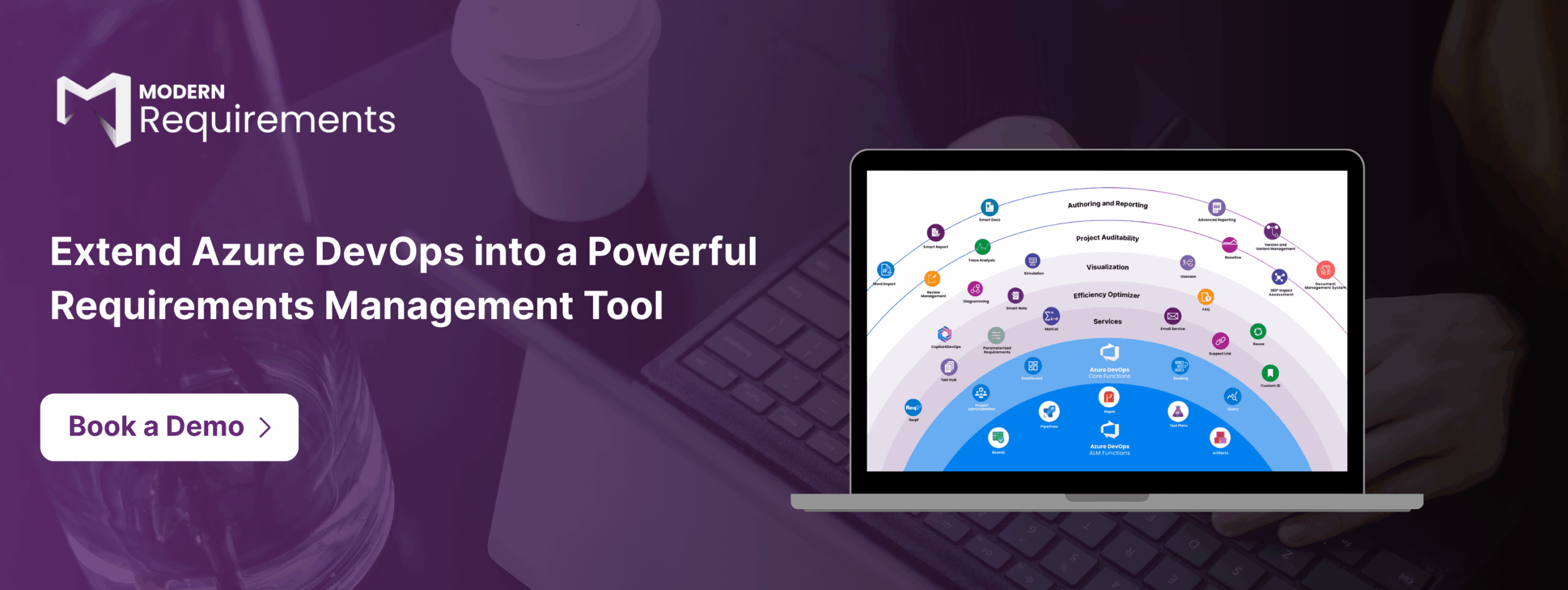
Modern Requirements4DevOps Smart Docs unifies all three inside Azure DevOps with reusable templates and living documents that stay in sync with your backlog.
A BRD (Business Requirements Document) defines what the organization wants to solve, the expected outcomes, and the value that the project should deliver. Instead of describing what features to build in the product and how to build those features, it defines business goals and keeps everyone aligned before development begins. It answers one question before anything starts:
Generally, a BRD is written for enhancement and migration projects. That means a product already exists, and when a new feature is requested, the team writes the BRD that captures where things stand today, where they need to go, and what the gap looks like between the two.
A typical BRD covers:
Product team members, like business analysts, product managers, product owners, etc., usually prepare the BRD. After that, it is used as the starting point for the project, which provides clear directions to develop documents like the BRD and SRS.
A product requirement document (PRD) breaks down macro business goals into the micro-level feature list, which specifies user behavior, system behavior, and application capabilities. It simply answers one question:
Basically, it serves as the link between business goals defined in the BRD and the technical work described in the SRS.
A solid PRD typically covers:
A PRD is like a friend of product managers or product owners, as they own and write it. Also, as new feature requests and product changes come, the PRD gets updated, which means it lives alongside the work rather than sitting above it.
A Software Requirements Specification (SRS) covers technical requirements, including functional requirements and non-functional requirements, to make features work, which are defined in the PRD. It simply answers this question:
A well-written SRS typically covers:
The SRs are generally developed by software architects, system engineers, or technical leads. It works as a blueprint for the final product and is used by the development team, QA teams, and other technical teams. It helps to ensure that the final software behaves exactly as intended and meets the requirements defined in the PRD.
As we know, BRD, PRD, and SRS are closely connected, but they serve different purposes. So, choosing the right document at every stage of the project is important for your team.
Most teams using Azure DevOps maintain requirements in the ADO backlog and document them in Microsoft Word, Google Docs, or other project management tools. To create a BRD, PRD or SRS based on the pre-defined requirements, they generally spend time copying work items into documents, updating them whenever requirements change, and checking whether everyone has received the latest information.
The Smart Docs module of the Modern Requirements4DevOps, a requirements management extension within Azure DevOps, fixes this at the source. Here, teams can define meta-templates for BRD, PRD, and SRS and set the work item hierarchy, field configuration, and numbering format for each template. After that, every document from that template follows the same layout automatically without any formatting required.
Teams can define business goals, product features, technical specifications, etc., and related requirements in Azure DevOps and directly insert them into documents by drag-and-drop. This helps in creating a live BRD, PRD, or SRS, which also updates when any requirements change.
The best part is that teams can define their requirements related to the business goals or product features and then use Copilot4DevOps AI to prepare well-explained ADO work items from that description and insert them directly within Smart Docs.
Also, as it logs every change and creates new versions automatically, it is also used in regulatory industries.
With this, teams can create and manage documents directly within Azure DevOps, where teams manage project requirements, reduce manual copy-pasting, and create a single source of truth for all documents.
✅ Define, manage, and trace requirements within Azure DevOps
✅ Collaborate seamlessly across regulated teams
✅ Get started for FREE—no credit card required
Azure DevOps cannot lock a requirements snapshot on its own....
Moving from IBM DOORS to Azure DevOps? Here is what...
Stop managing requirements manually. Start delivering smarter, with AI built...
End-to-end requirements management in Azure DevOps.
AI-powered assistance for DevOps workflows.

Autonomous AI agents for DevOps execution.

Real-time data sync across tools and systems.