Best Requirements Traceability Tools in 2027: 9 Options Compared
Compare the 9 best requirements traceability tools in 2027, including...
A requirement can sound settled in a meeting and leave room for interpretations once development begins. That gap can become expensive when requirements are not reviewed properly. Even a 2004 conference paper hosted by NASA’s Technical Reports Server estimated that, in complex hardware/software systems, fixing a requirements error during integration and testing could cost 21 to 78 times as much as correcting it during the requirements phase.
Teams working inside Azure DevOps can store work items, code, and test cases in a project, but when it comes to signing off on requirements, there is no native option. That’s why teams use emails and Jira comments to record what changed, who approved it, and when. But it doesn’t provide a 21 CFR Part 11-compliant formal review process with e-signature.
In this blog, we will cover what requirements sign-off is and how to do it in Azure DevOps with e-signature.
What sign-off is: why email and Jira comments fall short for regulated projects.
The native Azure DevOps gate: how to build a basic sign-off gate with inherited processes, states, and rules.
Where native sign-off stops: no multiple reviewers, package approval, or e-signature steps.
How Modern Requirements4DevOps helps: review requests, reviewers, approvers, and e-signature records inside Azure DevOps.
Tips for faster, cleaner sign-off: scope, roles, deadlines, and follow-up.
Requirement sign-off is the standard process to approve and accept documents, requirements, or any resources by the person or group responsible for approving them. It ensures that the requirements have been reviewed correctly, their expected outcomes are understood, and the relevant stakeholders agree to proceed with the state and scope.
Also, note that in regulatory industries, it is different from simply reading a requirement, adding a comment, or marking a work item as complete.
A proper sign-off should leave a clear record of:
Of course, email conversations and Jira comments can support these review discussions and also record stakeholder feedback for requirements. However, the problem starts when these review and approval records are scattered across different emails and requirements are managed in Azure DevOps. So, teams still need to connect these emails and Jira comments with the relevant and latest version of ADO requirements to keep everyone on the same page.
But when a project scales to thousands of requirements, sometimes it also happens that requirements change before they get approved, and reviewers keep reviewing outdated requirements.
For regulated projects, this can also make it harder to present a complete record of the decision. Email approval is not automatically unacceptable, but the supporting records need to remain reliable, complete, and linked to the relevant requirement.
Azure DevOps doesn’t have a native requirements sign-off feature, yet you can build a basic sign-off gate from only inherited processes, as default processes are not allowed to change. It consists of four steps (states); you can track a work item in a state such as Active, Approved, Closed, etc. The steps below follow the entire four-step process:

This is a reasonable process for a single team with one decision-maker. Multiple roles or reviewers cannot be assigned to the same work item. There is no sign-off for a set of requirements as a package or e-signature steps, and history records are spread across individual work items. You’d have to open each work item and read every history entry to compile records of who signed it, when it was approved, and other details.
Modern Requirements4DevOps offers a review management system that creates a review request and stores responses, approvals, approval decisions, and comments within the related Azure DevOps work item. Let’s see how it helps teams:


Whether you are working in banking, finance, regulatory industries, engineering-heavy industries, medical, railway, etc., you can use the review management module from Modern Requirements4DevOps to simplify your formal review process. Excited to get started? Book a demo here.
Requirement sign-off in Azure DevOps should do more than change work item status to reviewed or approved. A review should consist of clear and traceable records of who approved a requirement, when, and why it was approved or rejected. Emails, work item comments, and standard workflow gates can maintain this evidence until approvals are spread across multiple records and requirements change frequently.
Modern Requirements4DevOps’s Review Management module helps teams manage this process without leaving Azure DevOps. It can be used in any regulatory industry, and with that, teams can send structured review requests, capture decisions and reviewer comments, record named approver sign-offs, and export review reports for documentation and audit purposes.
It is worth giving one a try when you have more than one approver, a regulator or customer who audits approval, or needs electronic signatures. If that seems like your team, then take a look at Review Management.
Book a Demo and get started with a 30-day free trial.
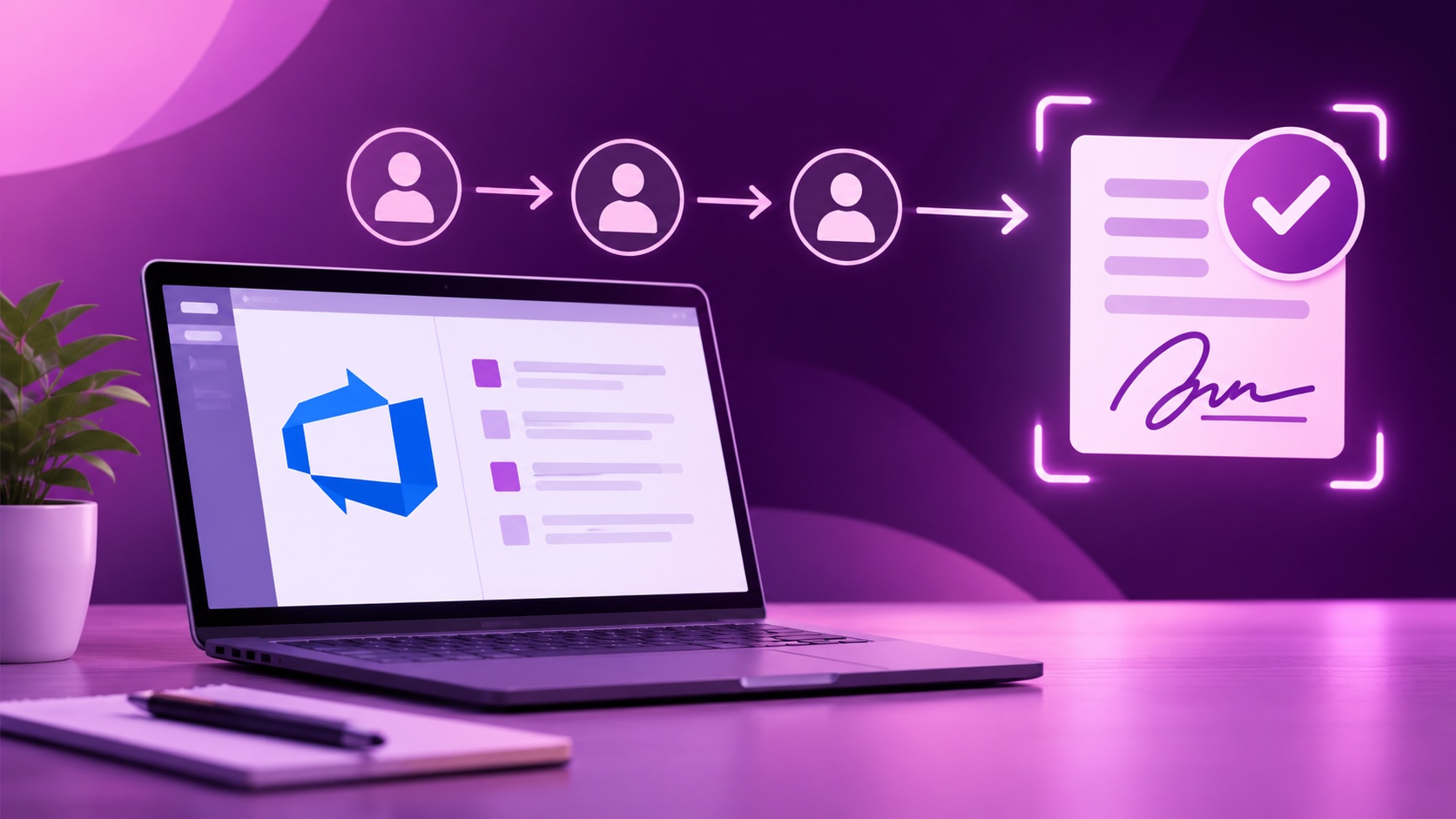
Reviewers can review requirements and add comments with e-signature. Approvers have the final right to accept or reject reviews.
A baseline allows us to create a snapshot of work items before development starts, and sign-off is a decision that those work items are approved. Modern Requirements4DevOps allows users to create baselines and requirements review requests directly inside Azure DevOps.
Azure-native basic gate lets you read work item history, but doesn’t offer any functionality to export reports. With Modern Requirements4DevOps Review Management, you can export an approval audit report in Word or PDF for regulatory submission.
Yes, even in a smaller team, a product owner’s recorded approval is required before a sprint is considered a sign-off.
Compare the 9 best requirements traceability tools in 2027, including...
Learn what ISO 21434 requires, how the TARA-to-verification trace chain...
Azure DevOps only imports CSV files. See how native CSV...
End-to-end requirements management in Azure DevOps.

AI-powered assistance for DevOps workflows.

Autonomous AI agents for DevOps execution.

Compliance management, built into Azure DevOps.

Real-time data sync across tools and systems.