Why Compliance Costs Small Banks 3x More, and the Part You Can Fix
Small banks spend 3x more of their budget on compliance....

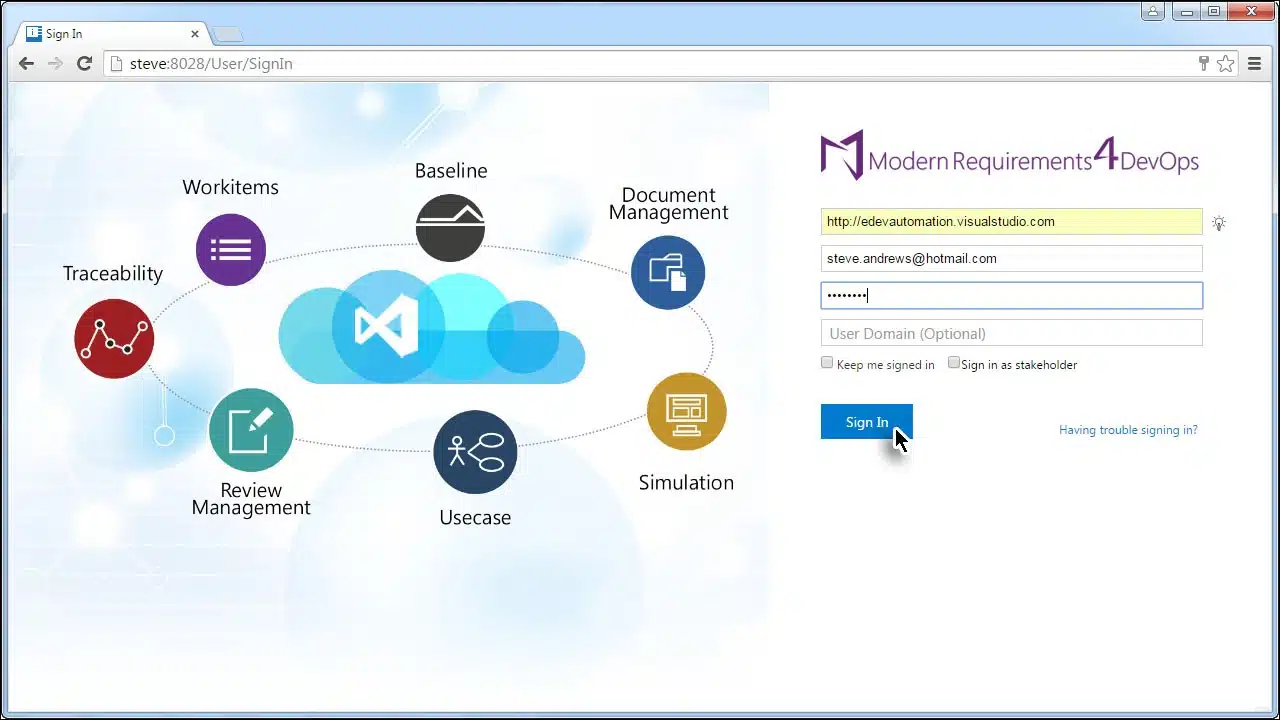
In this article we cover the simple steps required for teams to activate Modern Requirements4DevOps in both our embedded, and standalone versions.
Modern Requirements4DevOps is offered as both a standalone solution or as a fully embedded solution with Azure DevOps, TFS, and/or VSTS. In this article we cover the activation of both versions.
Most of the activation process for the embedded version is similar to that of the standalone version although some early steps are unique to the embedded version. These are described below:

If the product has not been activated the following message will be displayed:

You are taken to the License Activation Page.

Activating a User Based License
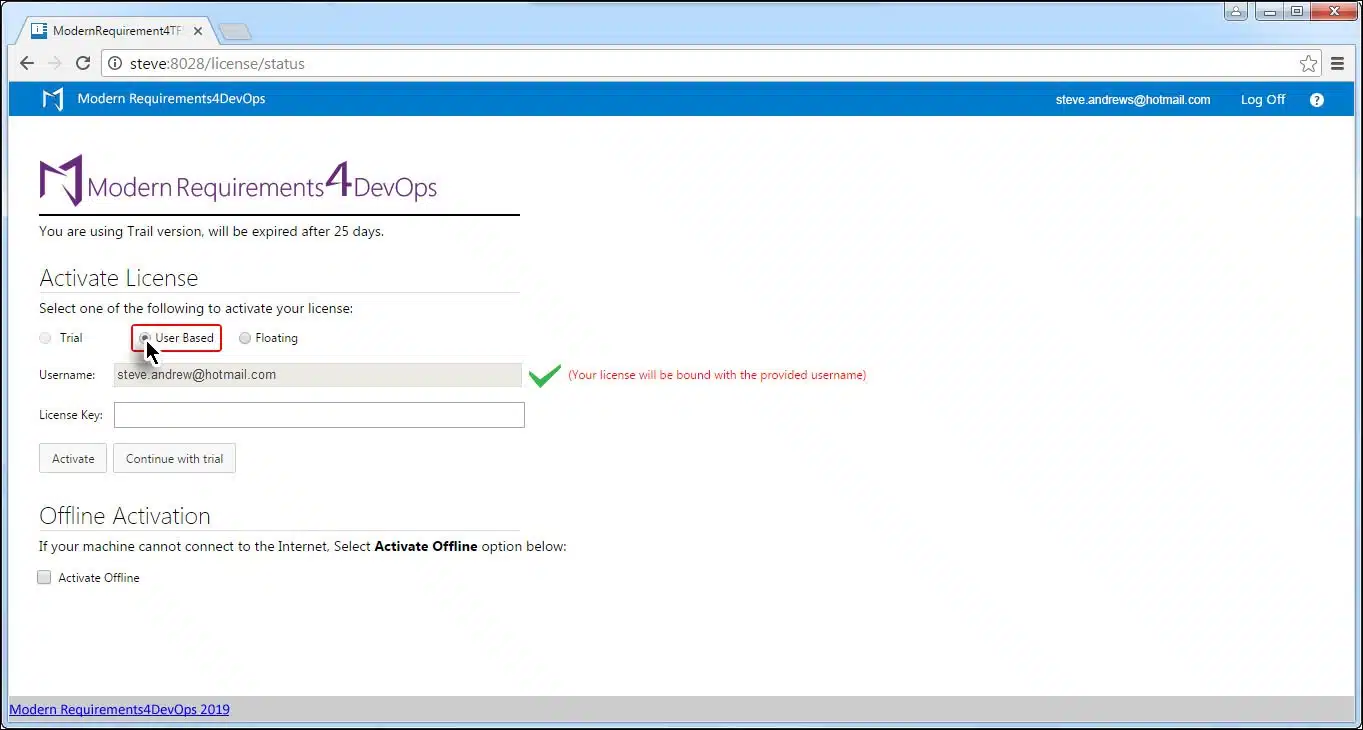

*On successful activation, you’ll be taken to the Browse Page, where you can open the team project of your choice.
Activating a Floating License

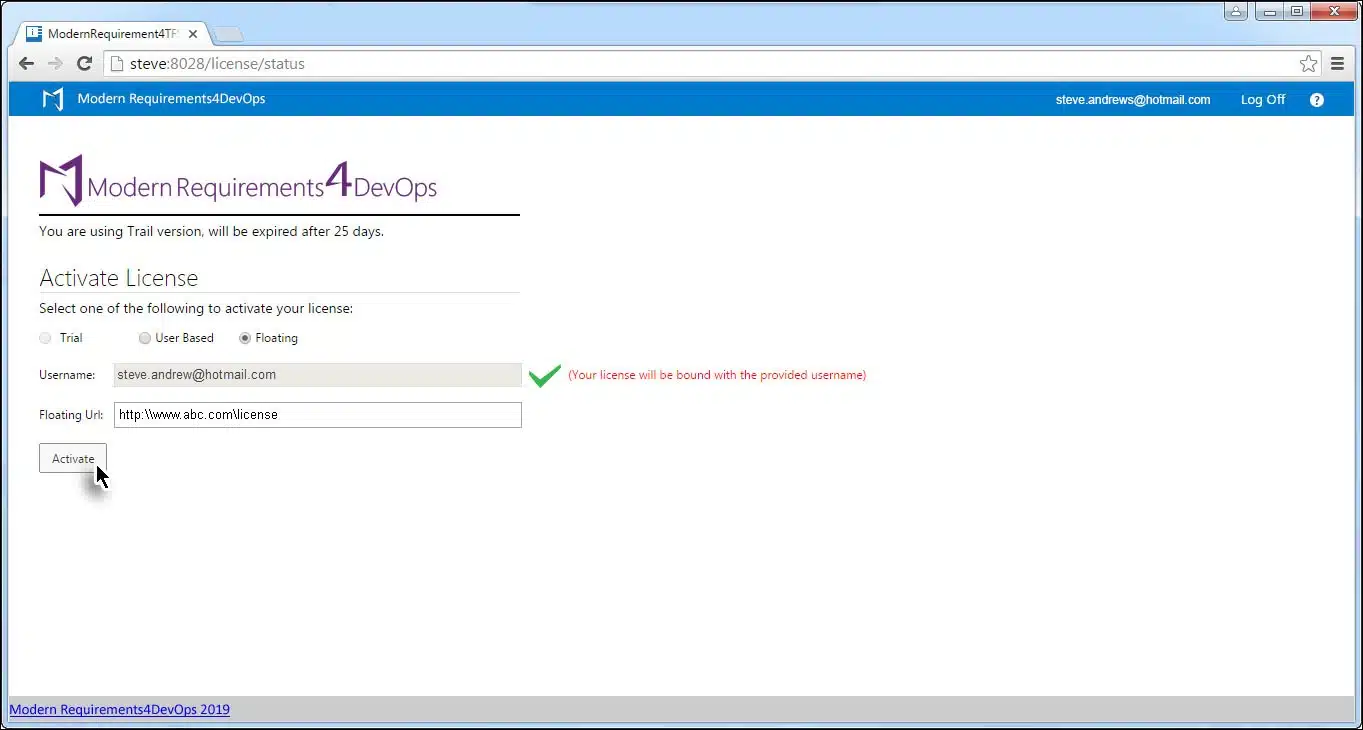
Activating a User Based License


*On successful activation, you’ll be taken to the Browse Page, where you can open the team project of your choice.
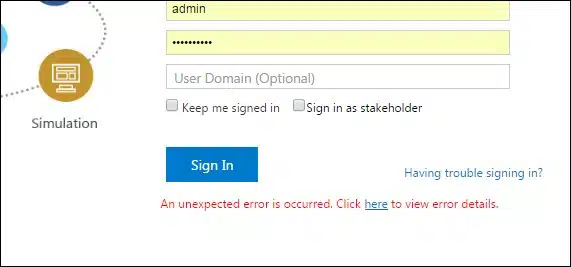
Very rarely, a user will receive a pop up saying that the activation has been unsuccessful, as seen in the image below. In most cases, this error is due to problems in Internet connectivity. Users have to resolve their connectivity problems themselves in order to successfully activate the application.
This message is also displayed when a secured environment is blocking proxy from firewall, or due to applied network policy. To resolve the problem in this case users have to provide their network department with the following URL and ask the department to enable it:
https://modernrequirements.compliance.flexnetoperations.com:443/deviceservices
Small banks spend 3x more of their budget on compliance....
DORA auditors now want proof, not policies. See what evidence...
Learn what NIST CSF 2.0 is, its six functions, and...

End-to-end requirements management in Azure DevOps.

AI-powered assistance for DevOps workflows.

Autonomous AI agents for DevOps execution.

Compliance management, built into Azure DevOps.

Real-time data sync across tools and systems.