Modern software development is rarely a linear path from a feature request to code. It’s a collaborative cycle of discovery, iteration, and validation involving a lot of cross-functional teams. Application Lifecycle Management (ALM) handles this entire process and turns chaotic development into coordinated progress.
When ALM isn’t in place, progress tracking becomes guesswork. Teams miss handoffs, bugs slip through, and projects lose direction. But when it’s done right, ALM acts like a shared system of truth, keeping everyone aligned from start to finish and helping products grow steadily without the usual chaos.
In this blog, we’ll break down what ALM really stands for, what key features a strong ALM tool should include, and which platforms lead the space in 2025 and beyond.
What is Application Lifecycle Management (ALM)?
Application Lifecycle Management is a structured process of managing the software application development from the initial idea to launch. It connects teams, tools, and different phases of the Software Development Life Cycle (SDLC), including planning, design, development, testing, deployment, etc., into one unified framework. So, everyone stays aligned with business goals.
The goal of ALM is simple: keep every part of the software’s life organized and traceable. Rather than just focusing on the delivery of the software project like traditional development, ALM brings everyone under one system where progress, feedback, and quality can be tracked easily.
In modern development, organizations use Agile principles, such as iterative planning and development, cross-functional collaboration, version management, etc. This improves the overall efficiency of teams and helps in faster software delivery.
In short, ALM turns scattered tasks into a well-coordinated process that supports long-term software success.
Why is ALM Important?
In 2024, the global ALM market size value was around $4.2 billion, which is expected to reach $16.1 billion in 2034 with a CAGR of 14.8%.
The above statistic clearly shows the increasing use of ALM and its importance in software development.
Other than that, when multiple people are working on a single project, it is a must to use ALM tools for the best outcomes. Here is why:
- Improves team productivity and collaboration: With ALM, tasks and resources can be allocated in a better way to the teams. Also, by using the ALM tools, teams can manage everything in one place and foster collaboration.
- Faster development and delivery: It helps in accelerating the software development and meeting business needs with shorter development cycles. Furthermore, according to research done by Aqua, organizations that implement the ALM framework can reduce the software delivery timelines by 30%.
- Lowers cost: By optimizing resource allocation, teams can reduce rework, which can save time and cost.
- Offers end-to-end visibility: Enhanced traceability allows teams to visualize how each requirement is connected with others. This helps in ensuring each requirement is implemented correctly. Also, when an error occurs, teams can quickly analyze high-level requirements from the bug to identify the root cause.
- Better product quality: With ALM in the development process, teams can build high-quality applications that meet customer demands.
Key Capabilities that an ALM Tool Must Provide
You already understood the importance of ALM tools, and now you might need one. However, before selecting any tool, let’s understand the key features that any ALM tool should contain:
- Unified requirements management: A good ALM tool should allow the team to store and manage requirements, documents, etc., and all resources in one place. Teams should be able to prepare reports, manage versions, and do collaborative review in one place.
- Version control and variant management: Integrated version control allows teams to manage different versions of requirements and documents. It ensures that every requirement change is tracked properly, and teams can have historical data about how requirements have evolved. Furthermore, variant management helps in handling multiple variants of a single requirement.
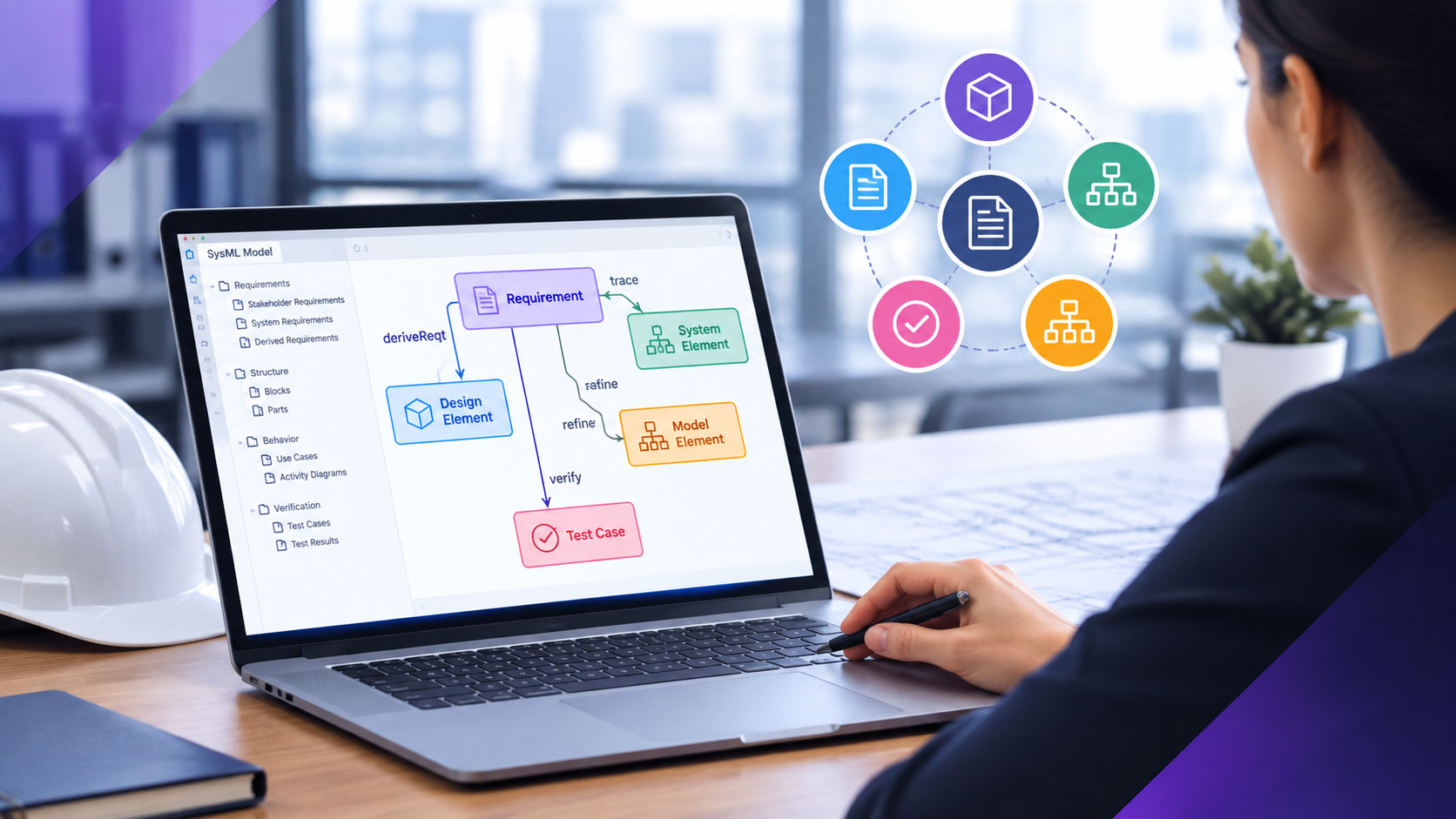
- Traceability and impact analysis: By creating traceability matrices, teams can see how high-level requirements, such as epics, features, etc., are connected with test cases and test results. On the other hand, the impact analysis feature helps teams in identifying how changes in a particular work item will affect other work items.
- Test Management and Traceability: Teams should be able to plan tests, link them directly to requirements, and track which features have been verified.
- AI Assistance: It should allow teams to prepare requirements drafts and documents, analyze requirements, generate requirements diagrams, etc.
- Document management system: The tools should allow the creation and management of documents in one place. If possible, look for the tool that allows you to add living requirements to the documents. So, whenever the requirements update, the document also updates automatically.
- Role-based access control and collaboration: Admin should be able to provide access to each user according to their role, so not everything is shared with every user.
- Scalability and performance: The platform should be able to handle large and complex projects, hundreds of team members, and thousands of artifacts without slowing down.
- Review and baseline support: It should allow teams to review requirements collaboratively and do sign-offs. Baseline allows teams to capture snapshots of the project requirements at a specific time, which helps them in tracking project progress.
- Compliance management: For industries like aerospace, automotive, or healthcare, the tool should include templates or checks for standards such as ISO 26262, ISO 13485, or DO-178C.
By following this feature checklist, teams can choose the best ALM tool according to their needs.
Best ALM Software for 2025 and Beyond
We’ve tested multiple ALM tools, and here we have covered some of the best. You can check the features of each tool and select the best one according to your needs:
1. Azure DevOps + Modern Requirements4DevOps
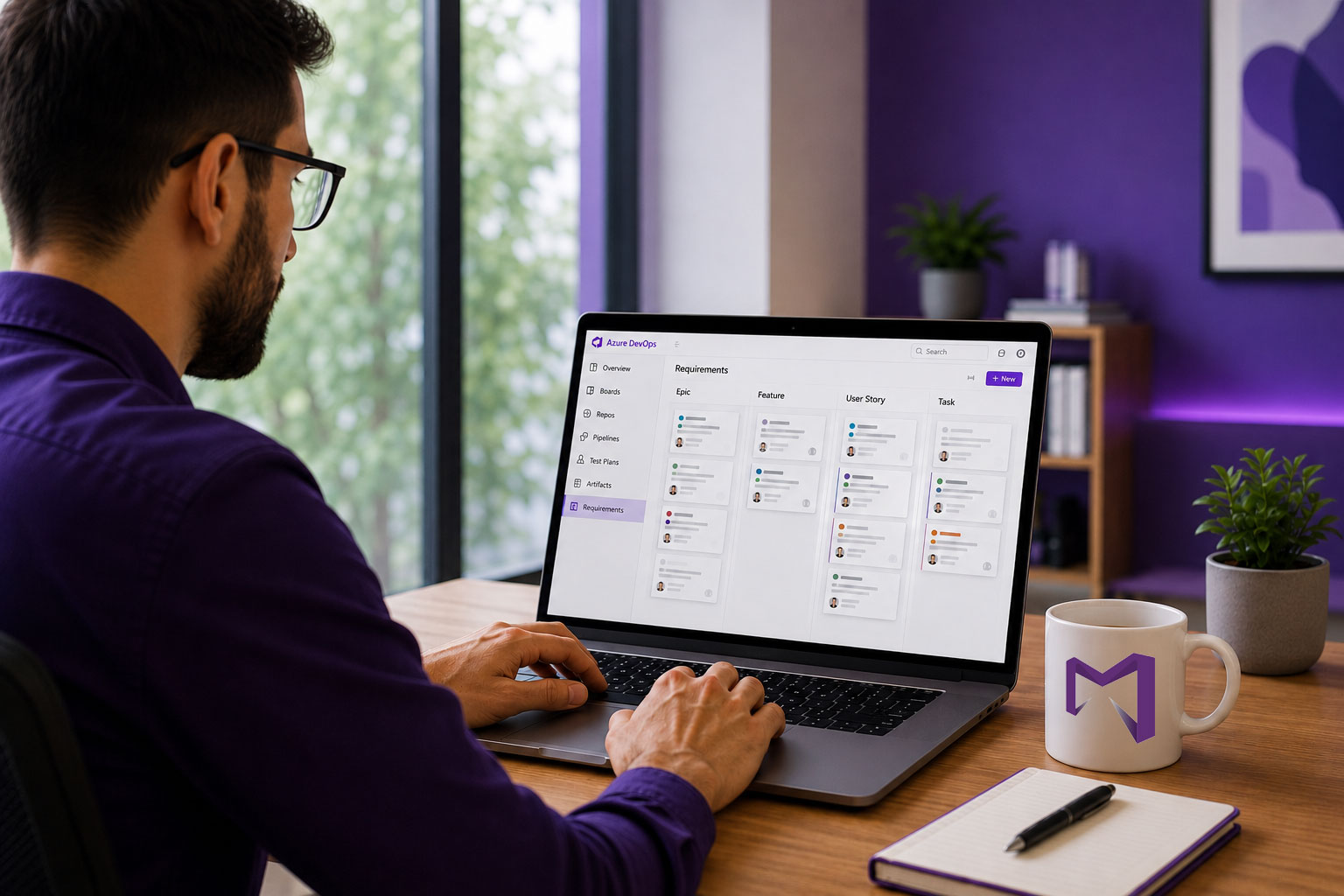
Azure DevOps offers a complete setup to manage requirements, test cases, and CI/CD pipelines, all in a single place. When paired with Modern Requirements4DevOps, which works as an extension within Azure DevOps, it extends beyond DevOps into full ALM by adding strong requirements management, review management, documentation, traceability, and compliance support.
Key Features
- By using the “Smart Docs,” teams can create living documents and directly store them within Azure DevOps.
- This tool allows teams to create horizontal and vertical